


 Computer Forum
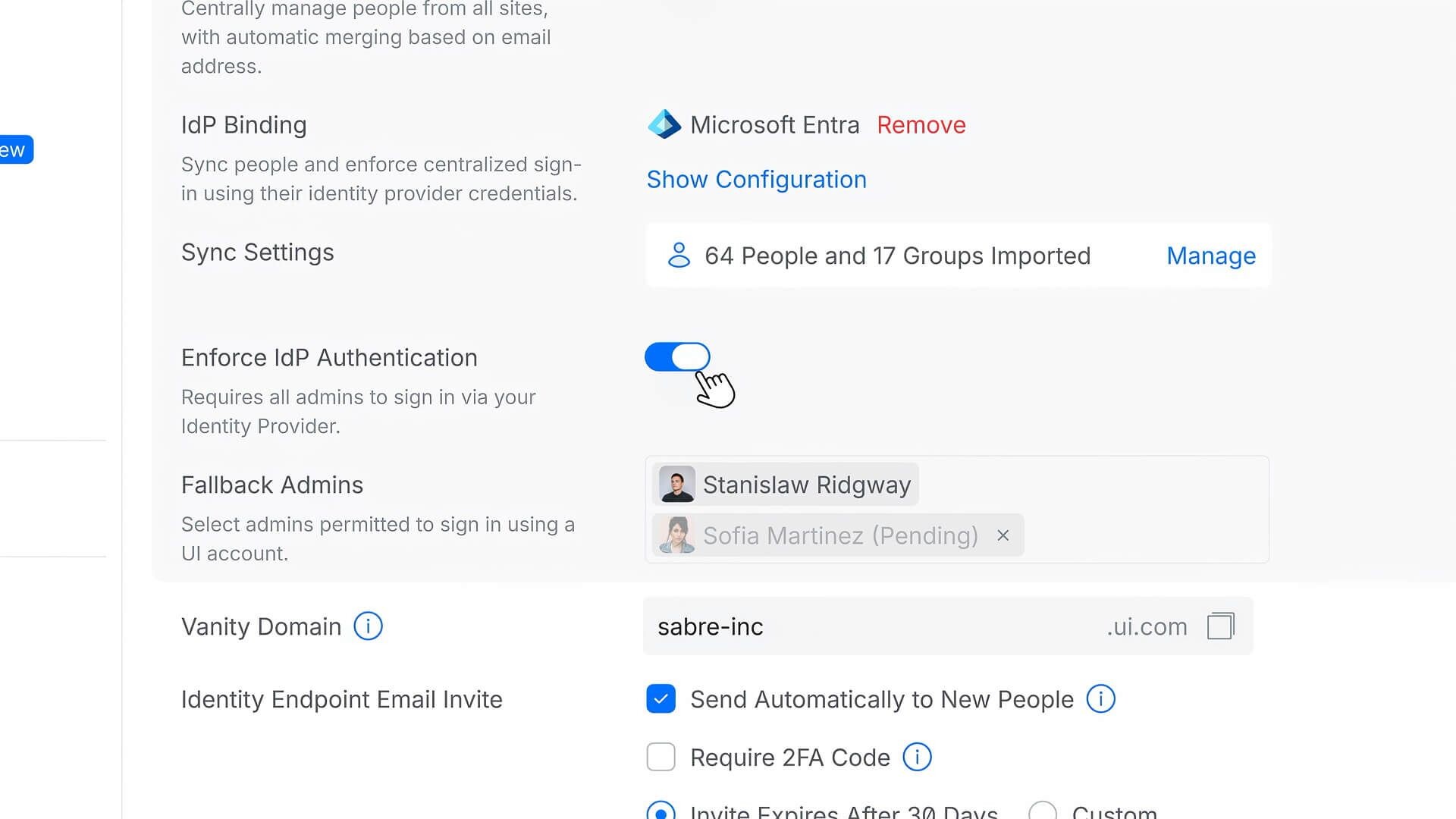 UniFi Network Application 10 5 iDP Auth (Image © Ubiquiti)
To reduce the frequency of unintended outages, Network 10.5 implements a verification layer for all system changes. The “Test & Confirm” feature prevents new configurations from being permanently applied until they have been validated by the active switches and access points. If a change results in a connection loss, the system automatically triggers a rollback to the previous stable state, ensuring that remote or distributed deployments remain accessible.
Layer 2 Performance and Convergence
Stability in large-scale topologies is ensured by two main mechanisms: “Link Debounce” and “Auto STP Edge.” “Link Debounce” identifies and filters out intermittent port flapping, thereby preventing temporary hardware glitches from causing widespread network instability. At the same time, “Auto STP Edge” optimizes the Spanning Tree Protocol by identifying access ports and bypassing the standard listening and learning phases. This reduces convergence delays and enables edge clients to reconnect more quickly after a topology change.
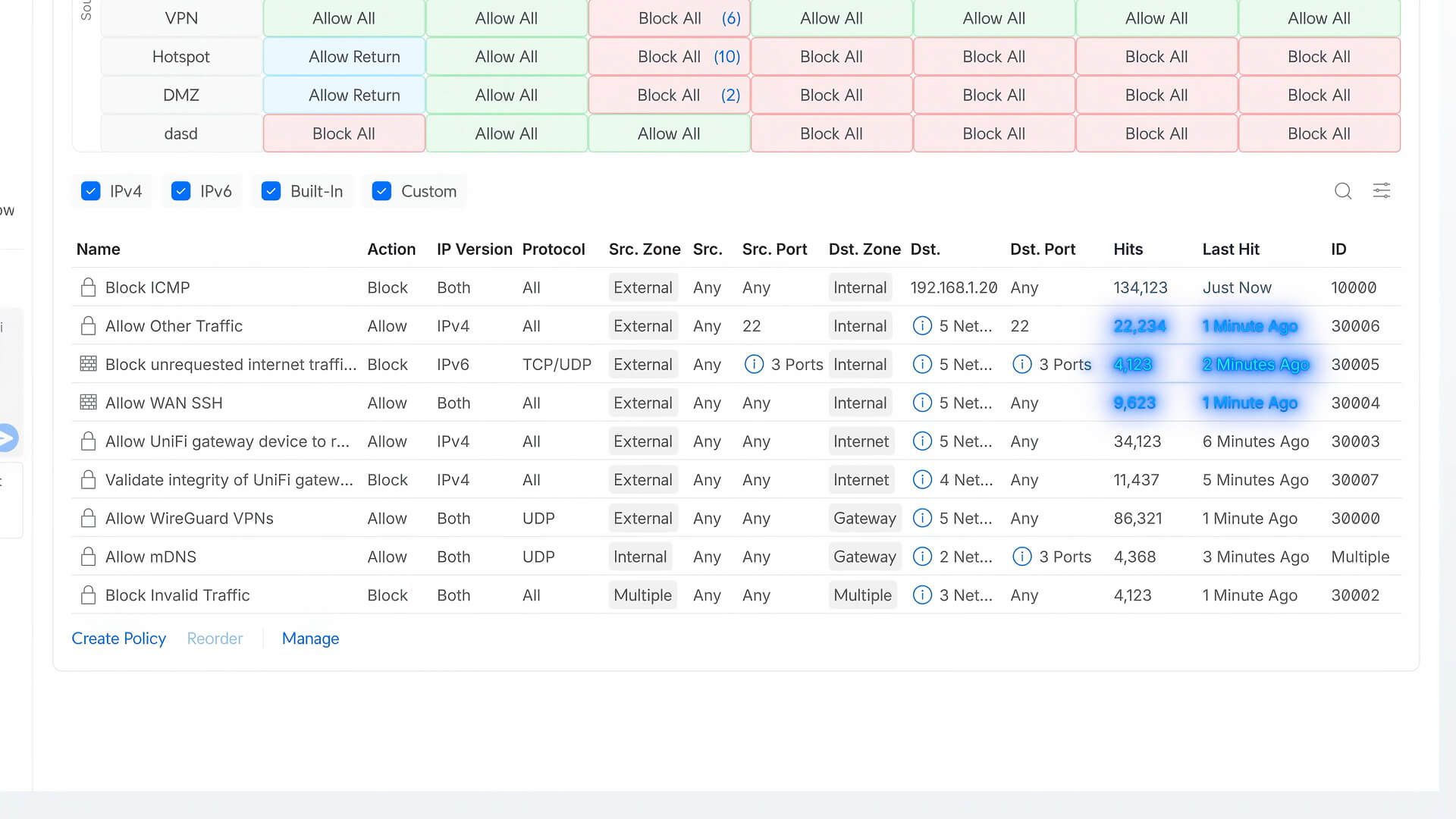 UniFi Network Application 10 5 Firewall (Image © Ubiquiti)
WAN Infrastructure and Campus Integration
The update offers several improvements for wide-area networks and campus-wide connectivity. Administrators can now monitor firewall efficiency using detailed statistics on rule hits, which enables them to clean up unused or redundant policies. For Internet connectivity, the system now supports an MTU of 1500 in PPPoE deployments to improve throughput. In addition, the update expands SD-WAN capabilities by supporting various underlay options, including direct fiber connections and MPLS. Campus connectivity is further enhanced through the use of “Building Bridges” for trunking, which is provided at no additional licensing cost.
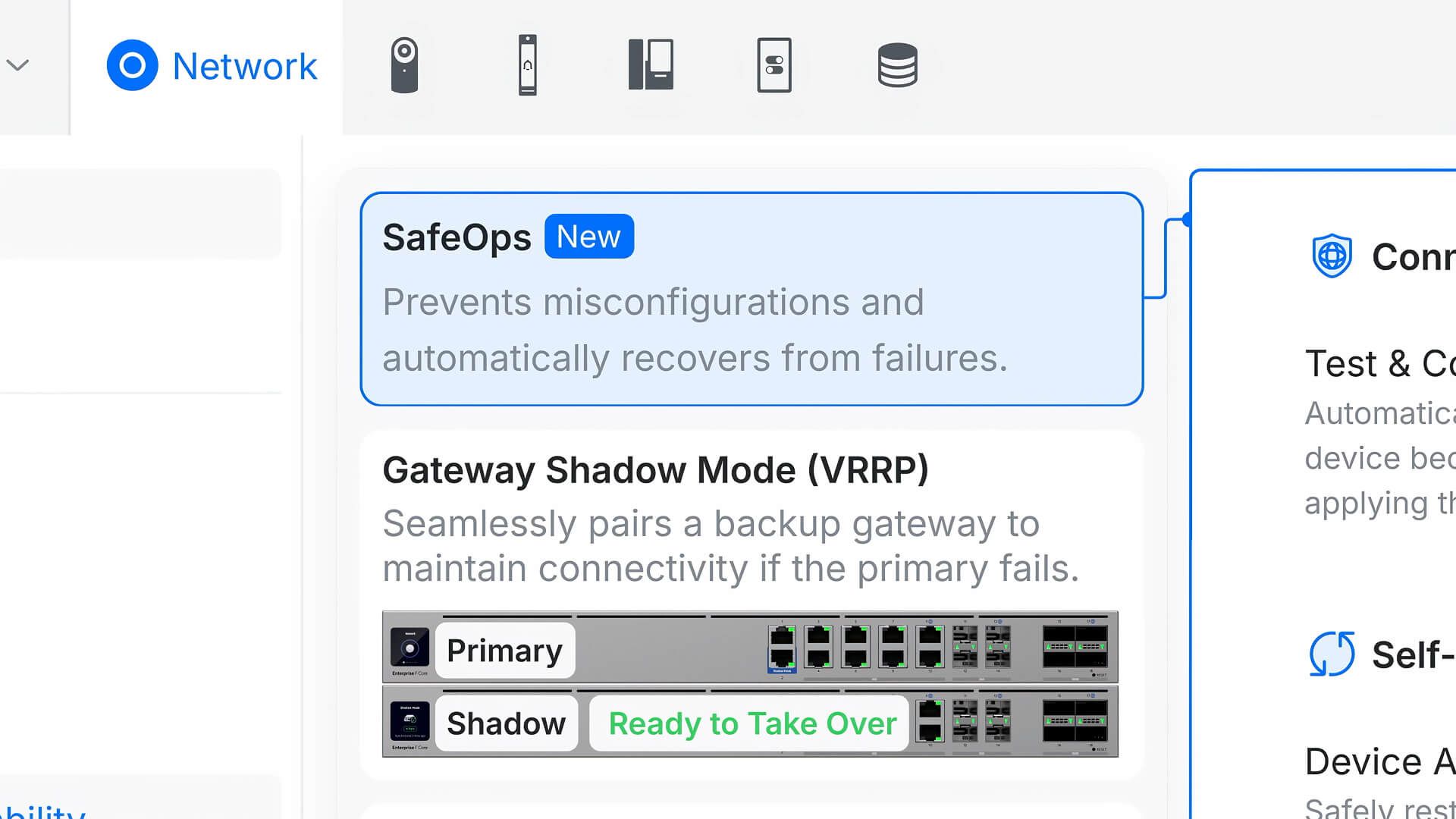 UniFi Network Application 10 5 SafeOps (Image © Ubiquiti)
Retrospective Troubleshooting at the Client Level
A new diagnostic tool called “Time Machine” is changing the way administrators address connection issues by shifting the focus from infrastructure monitoring to analyzing the user experience. The tool enables the playback of historical client activity, allowing technicians to review roaming behavior across multiple access points and analyze application traffic flows on a single timeline. This retrospective view helps determine whether a connection failure is related to a specific device, a roaming operation, or a broader infrastructure issue.
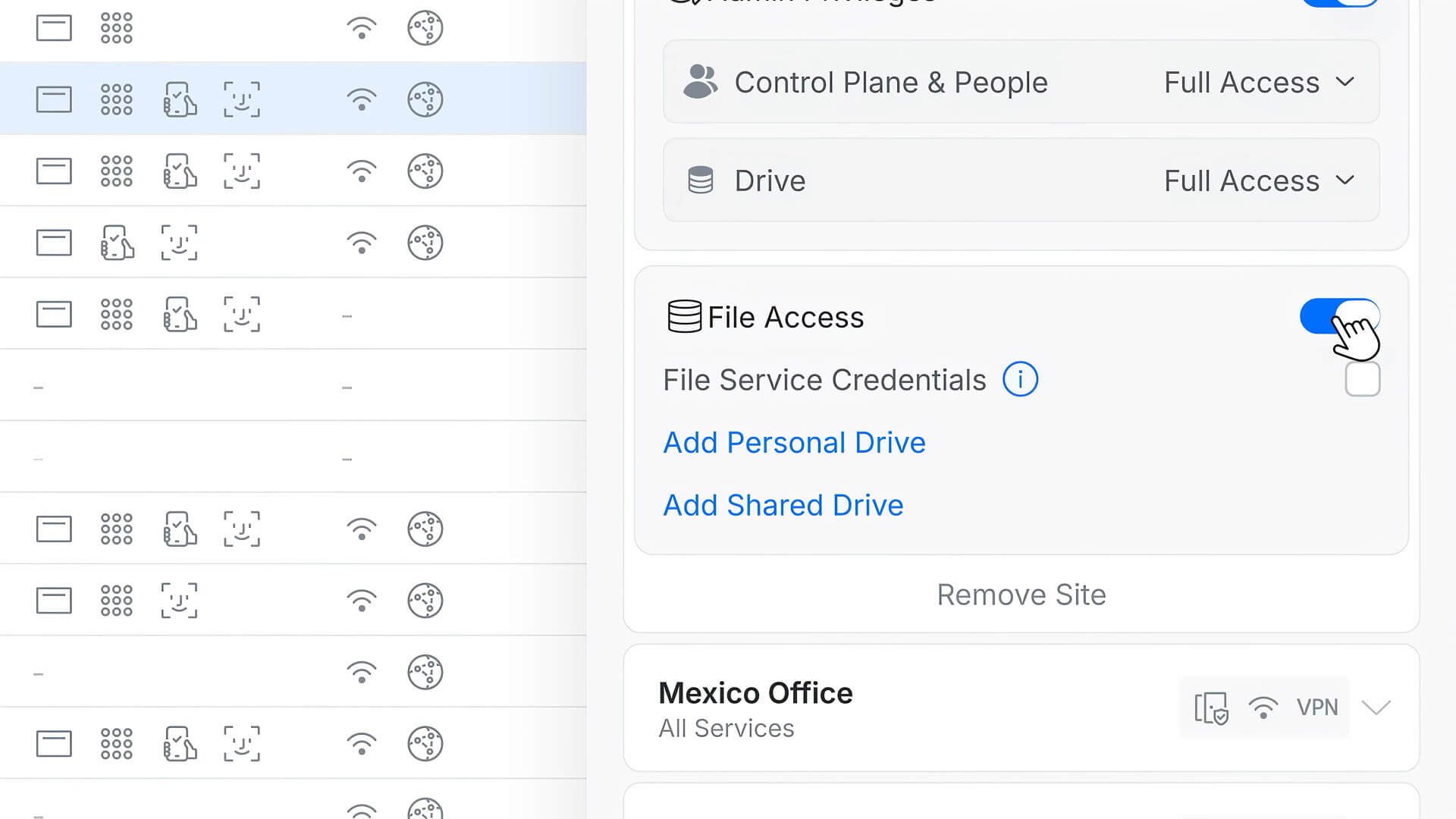 UniFi Network Application 10 5 File Access (Image © Ubiquiti)
Scalable Identity Management
For managed service providers and large enterprises, Network 10.5 integrates advanced SAML authentication into Site Manager. This support extends to the Fabric Admin level and includes account-level logins for environments managed by MSPs. By centralizing identity management and enforcing two-factor authentication (2FA), organizations can maintain consistent security policies across multiple sites and client environments.
