


 Computer Forum
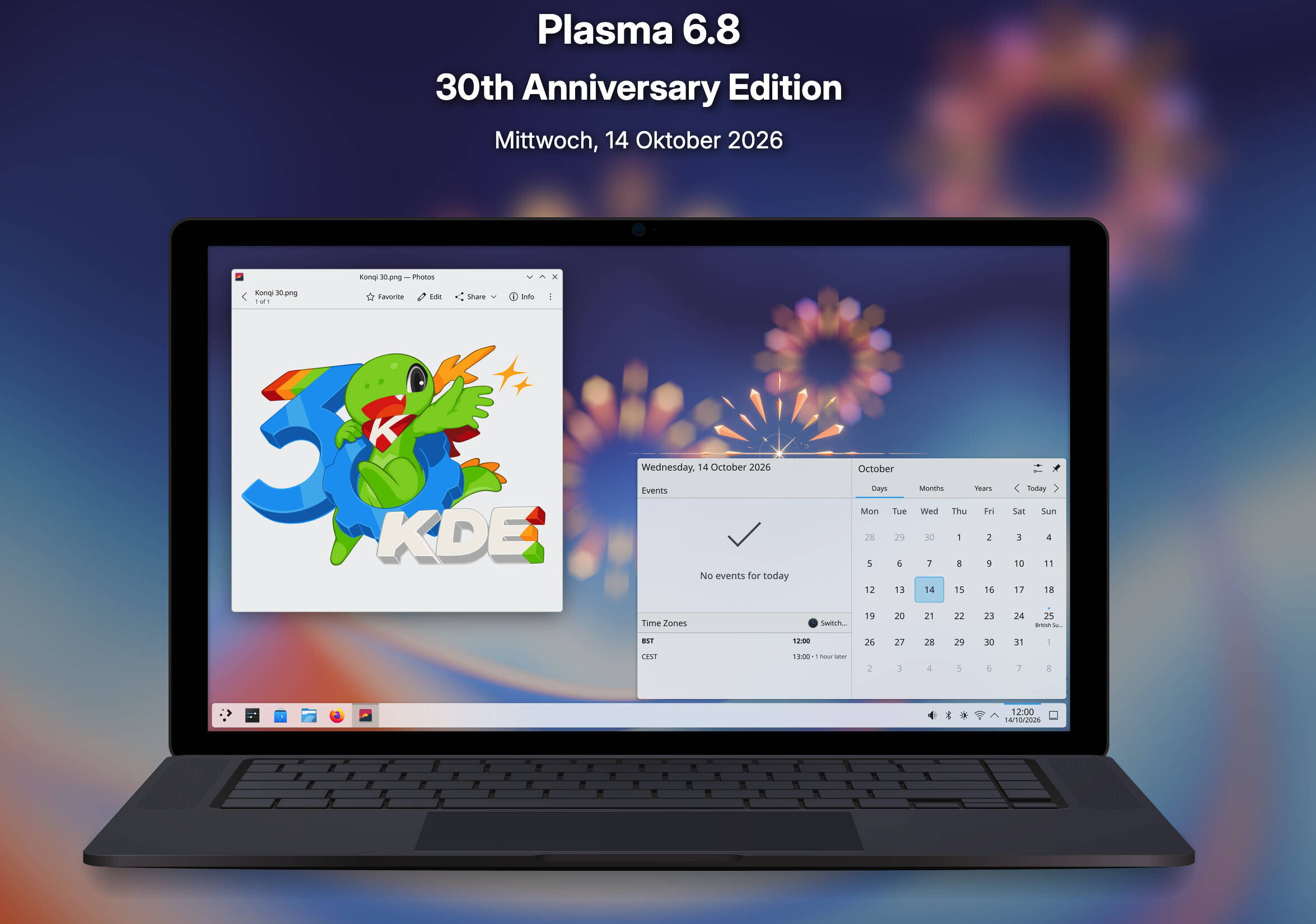 Plasma 6 8 (Image © KDE)
Accessibility and Internationalization Updates
Plasma 6.8 introduces new tools to enhance user accessibility and global compatibility. A key new feature is the “Dwell-Click” function, which automatically triggers a mouse click when the cursor remains stationary for a specified amount of time. This feature is built directly into the system to assist users with limited mobility, eliminating the need for third-party software. In terms of localization, the update now supports the Vikram Sambat calendar in the digital clock and introduces Amharic as a language for the on-screen keyboard—another step toward the goal of a universal desktop interface.
System Monitoring and Resource Management
The Plasma System Monitor has been updated and now allows for more detailed control over hardware resources. Users can now assign computationally intensive tasks to specific CPU cores to ensure system stability and prevent an overall drop in performance. Additionally, VRAM monitoring has been simplified: utilization is now displayed as a percentage, making it easier to monitor.
Improvements to Remote Desktop and Screen Recording
A great deal of development work has been put into the built-in remote desktop server to reduce latency and increase responsiveness. The system now dynamically adapts to network speeds and changing screen content. Key new features include:
- Exclusive Mode: An optional setting that locks the server screen and provides the client with a virtual screen sized to fit the client window.
- Bidirectional Clipboard Synchronization: This enables seamless data exchange between the server and the client.
For screen recordings and transmissions, the Spectacle tool now supports the inclusion of both system audio and microphone input. Additionally, the screen-sharing portal now allows the creation of virtual screens with customizable resolutions, removing the previous 1920x1080 limitation.
User Interface and Window Management
Plasma 6.8 introduces new window rules that allow the system to apply shadows, outlines, and rounded corners to third-party applications that do not natively support these visual elements. An example of this implementation is currently active for the Steam client to ensure visual consistency.
Advanced window management is facilitated by new global keyboard shortcuts:
- Meta + Ctrl + Page Up/Page Down: Allows you to switch between the previous and next open windows.
- Shift + Meta + Ctrl + Page Up/Page Down: Moves the active window forward or backward in the stack.
Union Theming and Wayland Introduction
This update marks a significant shift in the backend architecture of the desktop environment.
Union Theming System
Plasma 6.8 includes a beta version of Union, a new theming system. Unlike previous versions, Union can style both Qt Quick applications and Qt Widgets applications, including core programs such as Dolphin, Kate, and Konsole. Users can test this by installing the Union package and selecting the “Breeze (Union)” option under “Application Style” in System Settings.
Transition to Wayland
After decades of supporting the X Window System (X11), KDE is discontinuing support for X11 sessions in favor of the Wayland system. Wayland offers superior compatibility with modern graphics hardware and display technologies. For applications that still require X11, the XWayland compatibility layer is used.
Performance, Graphics, and Technical Tools
Backend optimizations in Plasma 6.8 have resulted in faster load times and lower memory usage, particularly for the Discover update notification service. Graphics improvements include:
- NVIDIA Support: Triple buffering is now enabled by default for NVIDIA GPUs.
- HDR and Color: Improved HDR quality is available when using ICC color profiles, and the addition of the HLG transfer function resolves previous compatibility issues with certain HDR media.
Other technical updates include:
- kscreenctl: A new command-line tool for screen management and script-based automation.
- Kup: The KDE backup tool is now fully integrated into the Plasma version.
- VPN Connection: Support for EAP-TTLS authentication has been added for StrongSwan VPNs.
- System Utilities: Users can now enable or disable the automatic startup of applications without deleting entries, move screens with pixel-perfect precision in the display configuration, and receive notifications when they attempt to print to an unavailable printer.
-
Security: The system now displays an explanation when passwords or sensitive data are copied to the clipboard, explaining why they are excluded from the clipboard history.
