
 Computer Forum
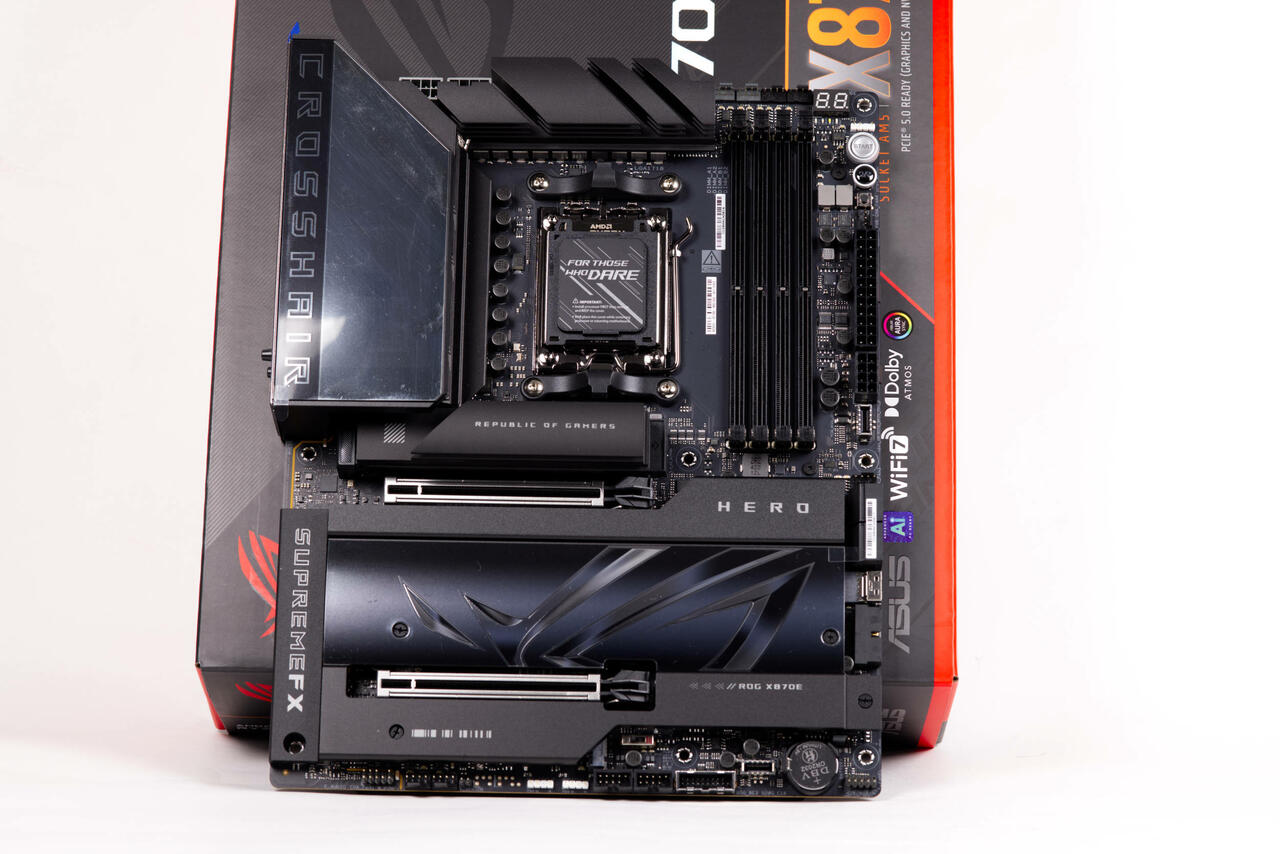 ASUS ROG Crosshair X870E HERO Test Review (Image © PCMasters.de)
DDR5 Training via the Q-Code Display
The featured new feature is displayed on the integrated Q-Code display during the initial startup sequence. On motherboards equipped with these displays, the system now runs a counting sequence to show the current progress of the memory training.
The display cycles through codes from 00 to 09 (HEX), with each step occurring at intervals of about one second. Once the sequence reaches 09, it resets to 00 before the motherboard proceeds with the standard Power-On Self-Test (POST) and the boot process. This is intended to prevent users from mistakenly interpreting a longer memory training phase as a system crash or a failed POST.
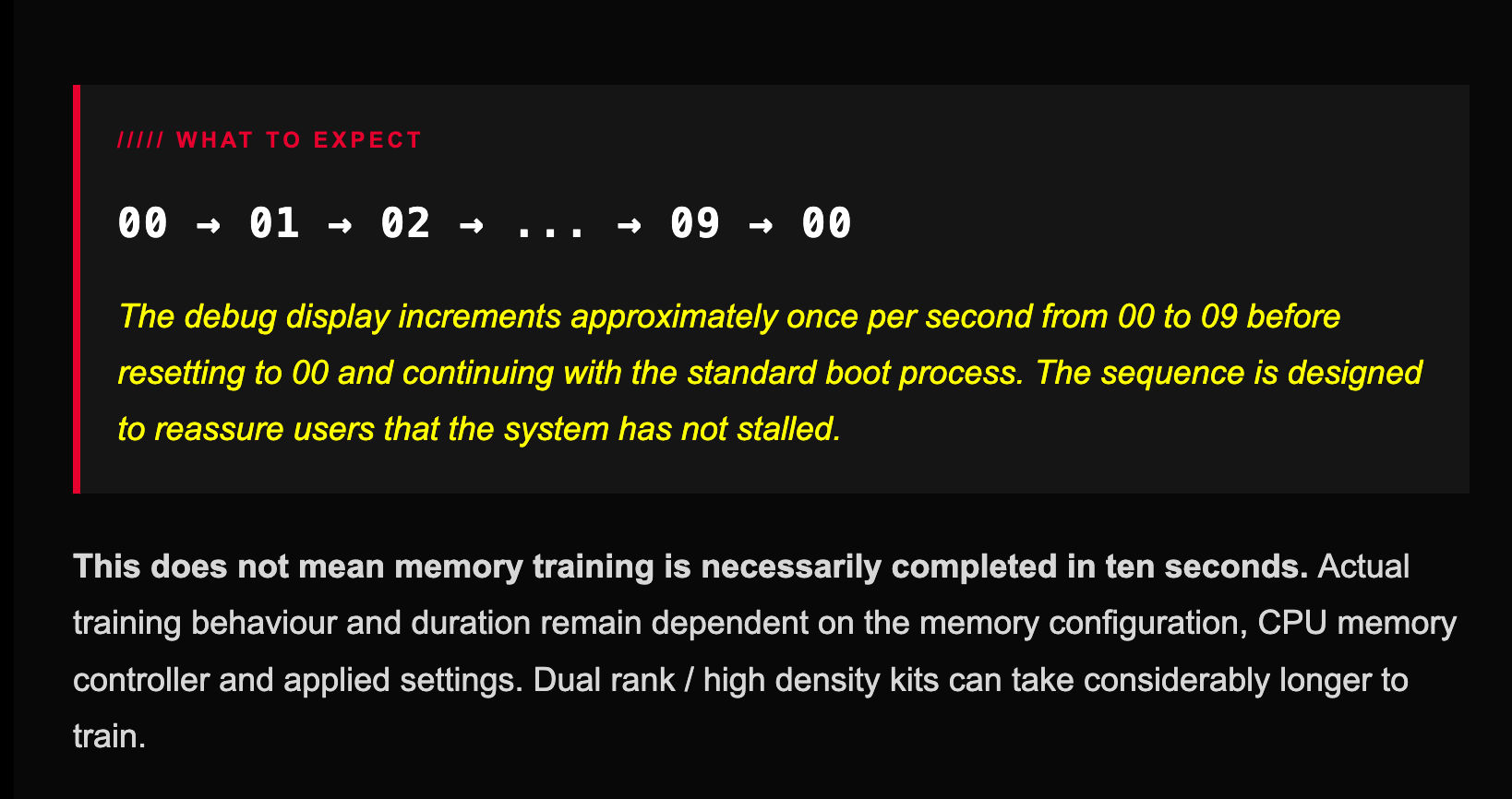 AGESA ComboAM5 PI 1 3 0 1f Patch A Firmware (Image © ASUS)
The counter serves more as an activity indicator than as a highly precise timer. The total duration of memory training is variable and continues to be influenced by various hardware factors:
- The memory configuration being used.
- The efficiency of the CPU memory controller.
- The current BIOS settings.
- The use of high-density memory kits or dual-rank memory, which typically require longer training phases.
Supported Motherboards
The beta BIOS versions are available for high-end and professional motherboard series, including the ROG Crosshair, ROG Strix, TUF Gaming, and ProArt product lines. The update covers motherboards with the X870, X870E, and X670E chipsets.
X870 / X870E SERIES
- Crosshair X870E Hero 2603
- Crosshair X870E Hero BTF 2603
- Crosshair X870E Dark Hero 1203
- Crosshair X870E Apex 2603
- Crosshair X870E Extreme 2603
- Crosshair X870E Glacial 1203
- Crosshair 2006 1203
- Crosshair X870E Edition 20 1203
- Strix X870-A Gaming WiFi 2603
- Strix X870-A Gaming WiFi S 2603
- Strix X870E-A Gaming WiFi7 Neo 1203
- Strix X870E-E Gaming WiFi 2603
- Strix X870E-E Gaming WiFi7 Neo 1203
- Strix X870E-H Gaming WiFi7 2603
- Strix X870E-H WiFi7 Hatsune Miku 2603
- Strix X870E-H WiFi7 S Hatsune Miku 2603
- Strix X870-F Gaming WiFi 2603
- Strix X870-H Gaming WiFi7 S 2603
- Strix X870-I Gaming WiFi 1813
- TUF Gaming X870E-Plus WiFi7 2603
- TUF Gaming X870-Plus WiFi 1813
- TUF Gaming X870-Pro WiFi7 W Neo 1813
- ProArt X870E Creator WiFi 2603
X670E SERIES
- Crosshair X670E Hero 4103
- Crosshair X670E Gene 4103
- Crosshair X670E Extreme 4103
- Strix X670E-A Gaming WiFi 4103
- Strix X670E-E Gaming WiFi 4103
- Strix X670E-F Gaming WiFi 4103
- Strix X670E-I Gaming WiFi 4013
- TUF Gaming X670E-Plus 4013
- TUF Gaming X670E-Plus WiFi 4013
- ProArt X670E Creator WiFi 4103
The AGESA Patch A follows the previous release of AGESA 1.3.0.1, which focused on support for the Ryzen 9 9950X3D2 processor and the introduction of the “Crosshair Tweak” settings.
ASUS has issued a technical advisory regarding the transition between these firmware versions. Users are advised not to import CMOS BIOS profiles that were saved under a different AGESA version. Due to changes in memory management and firmware logic, it is recommended that users manually reconfigure their BIOS settings after the update and perform a thorough memory stability check.