Computer Forum
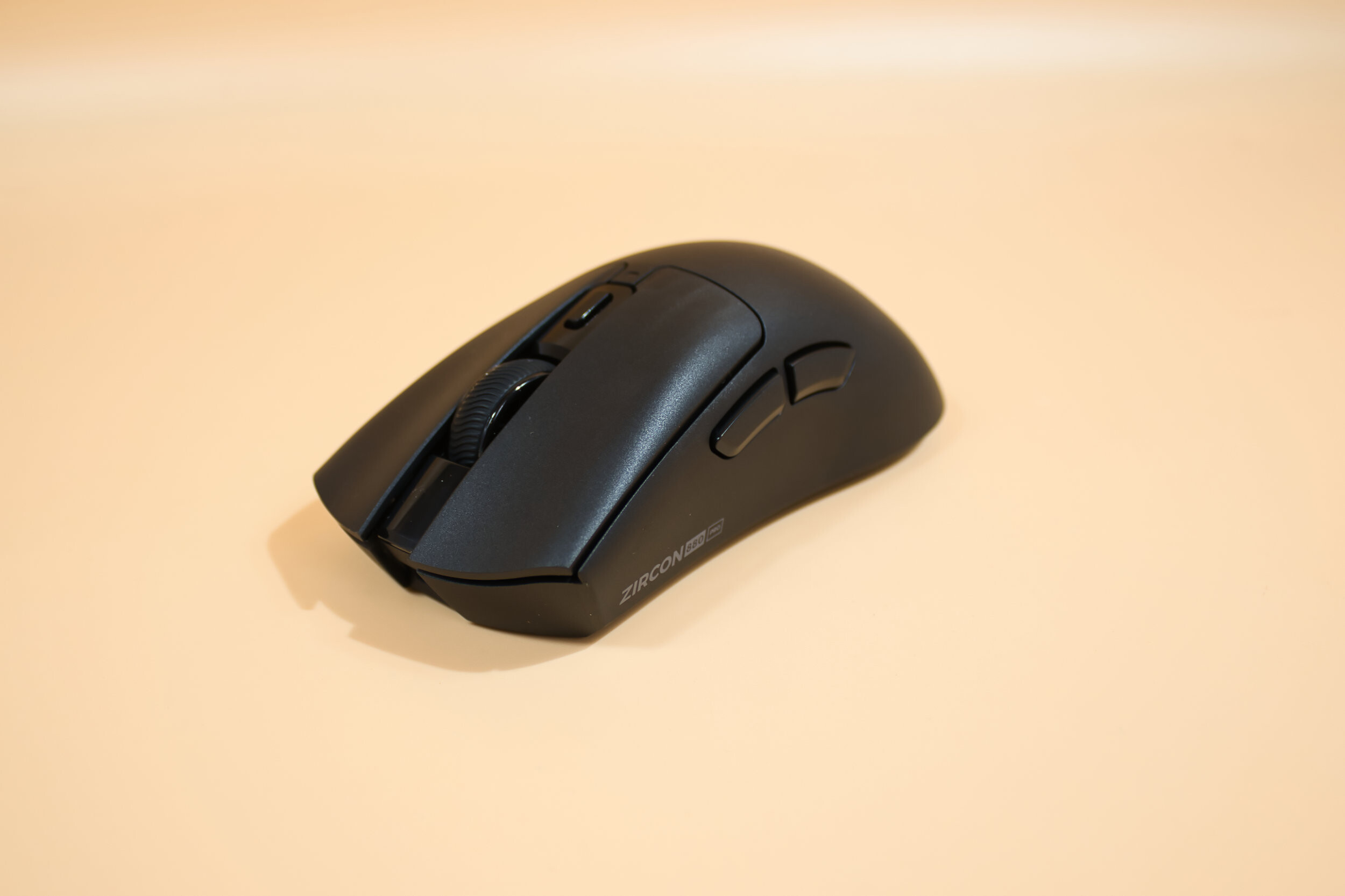 GENESIS ZIRCON 880 PRO Review (Image © PCMasters.de)
Technical Specifications
| Genesis Zircon 880 PRO - Technical Specifications | |
|---|---|
| Material | ABS plastic |
| Sensor | PAW3950 Optical |
| Connectivity | Bluetooth, 2.4 GHz, USB cable |
| Max. Tracking | 750 IPS |
| Max. Acceleration | 50 G |
| Battery | 500 mAh rechargeable |
| Buttons | Optical Kailh switches |
| Dimensions | 125 × 65 × 42 mm |
| Weight | 64 g/td> |
| Color Options | Optical Kailh switches |
Company History
Founded in Poland in 2011, Genesis has been offering hardware for gamers from the very beginning; its product lineup includes mice, gaming keyboards, mouse pads, headphones, console accessories, and, most recently, gaming chairs. Genesis aims to make a name for itself among gamers, sponsors events, and is currently building its own esports team. The Zircon 880 Pro presented here aims to compete in the top tier.
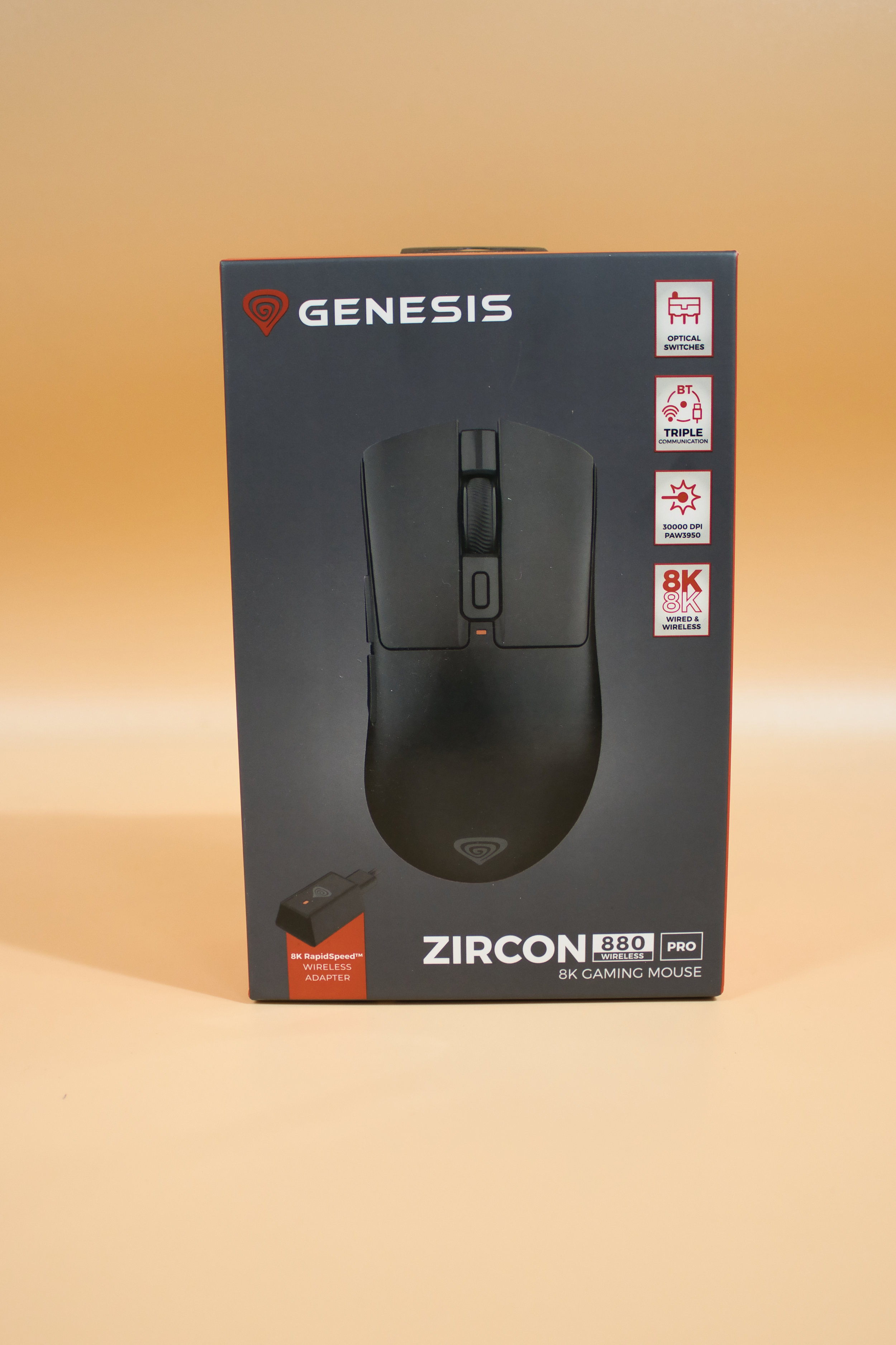 GENESIS ZIRCON 880 PRO Verpackung Front (Image © PCMasters.de)
Packaging and Contents
The packaging is primarily gray and red; the front features a product image, while the back shows an almost exploded view of the mouse and its individual components. The red side panels display the specifications and another product image. The packaging consists almost entirely of cardboard and lightweight paperboard, so it’s easy to dispose of.
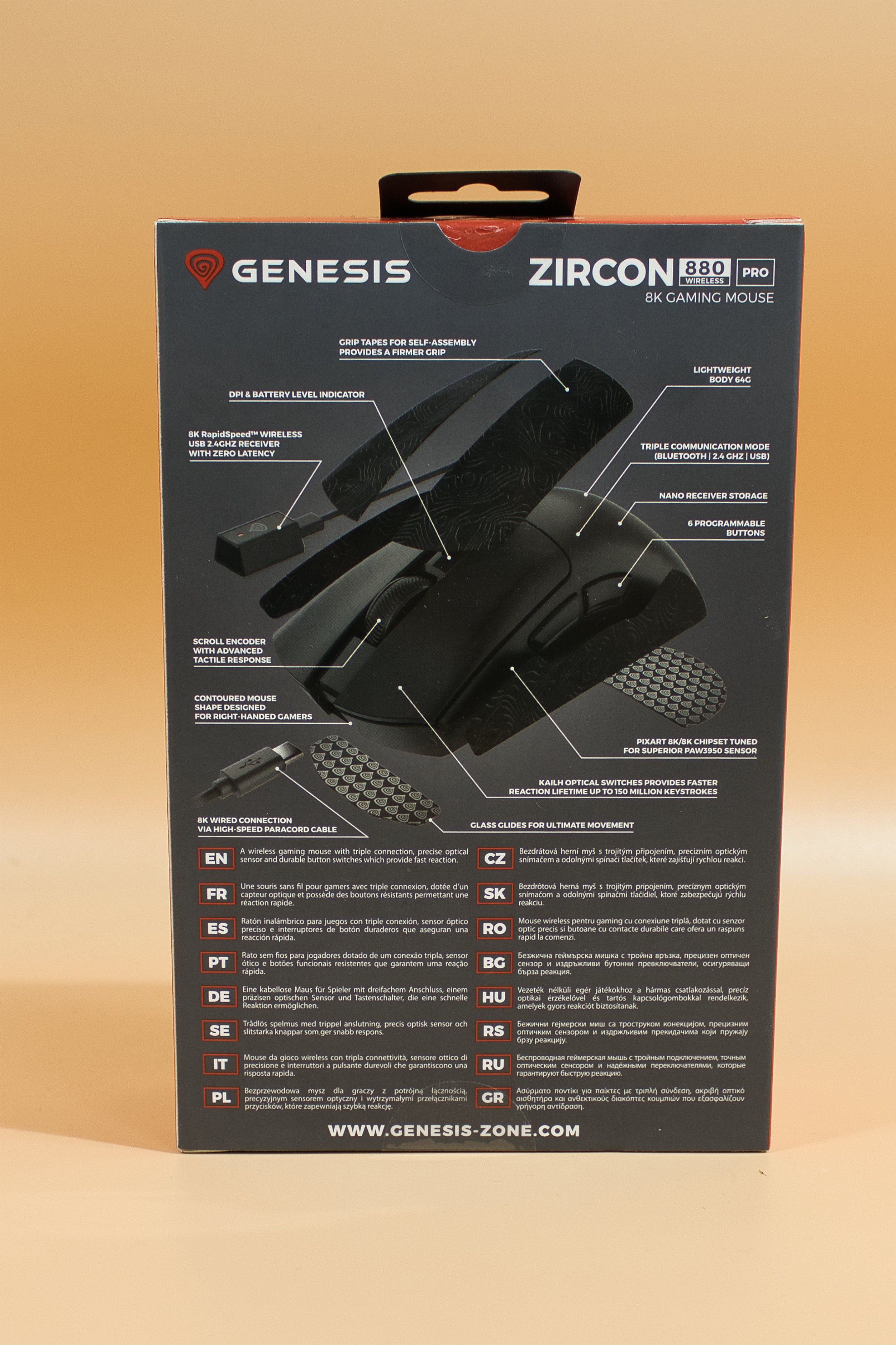 GENESIS ZIRCON 880 PRO Verpackung Rückseite (Image © PCMasters.de)
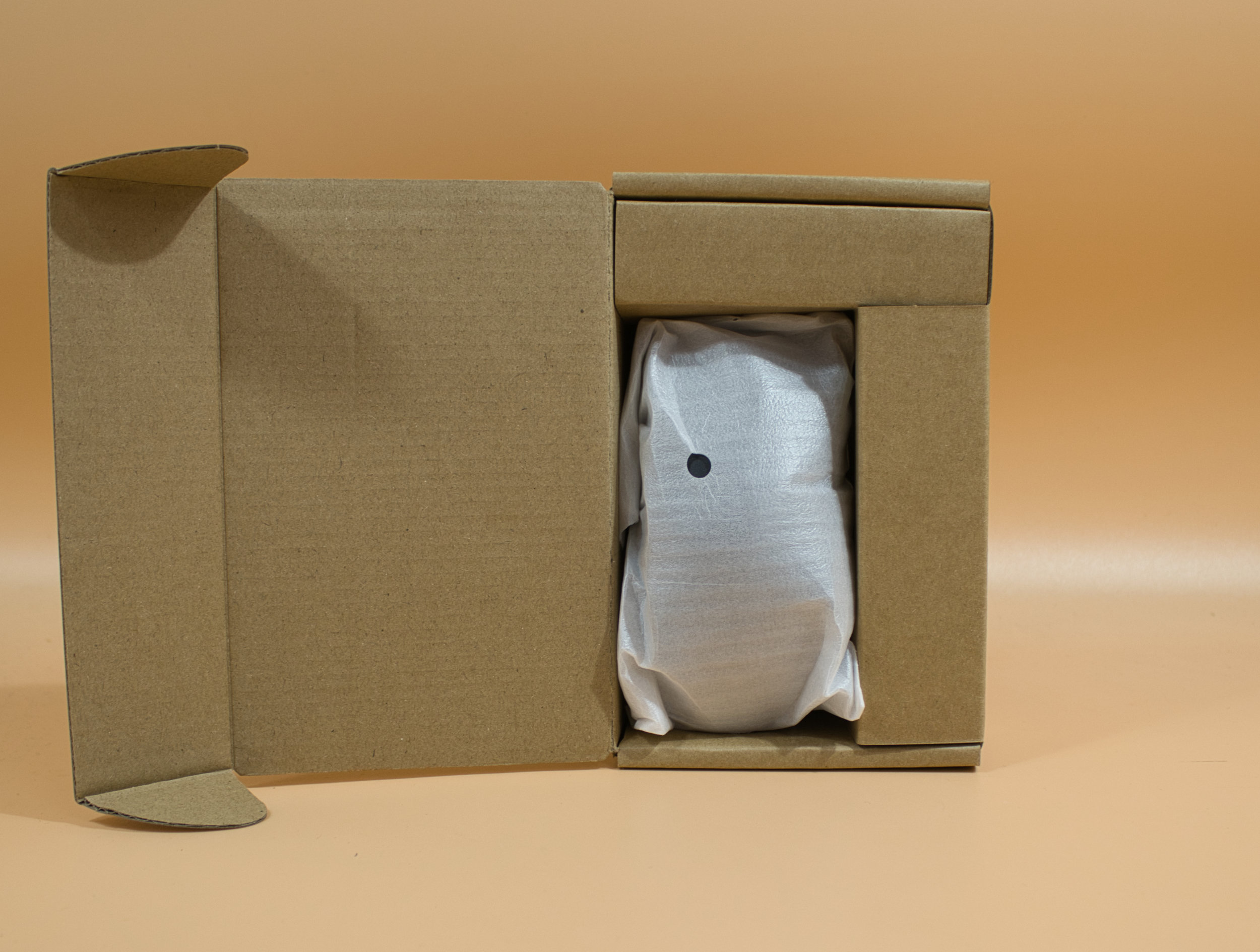 GENESIS ZIRCON 880 PRO Verpackung innerer Aufbau (Image © PCMasters.de)
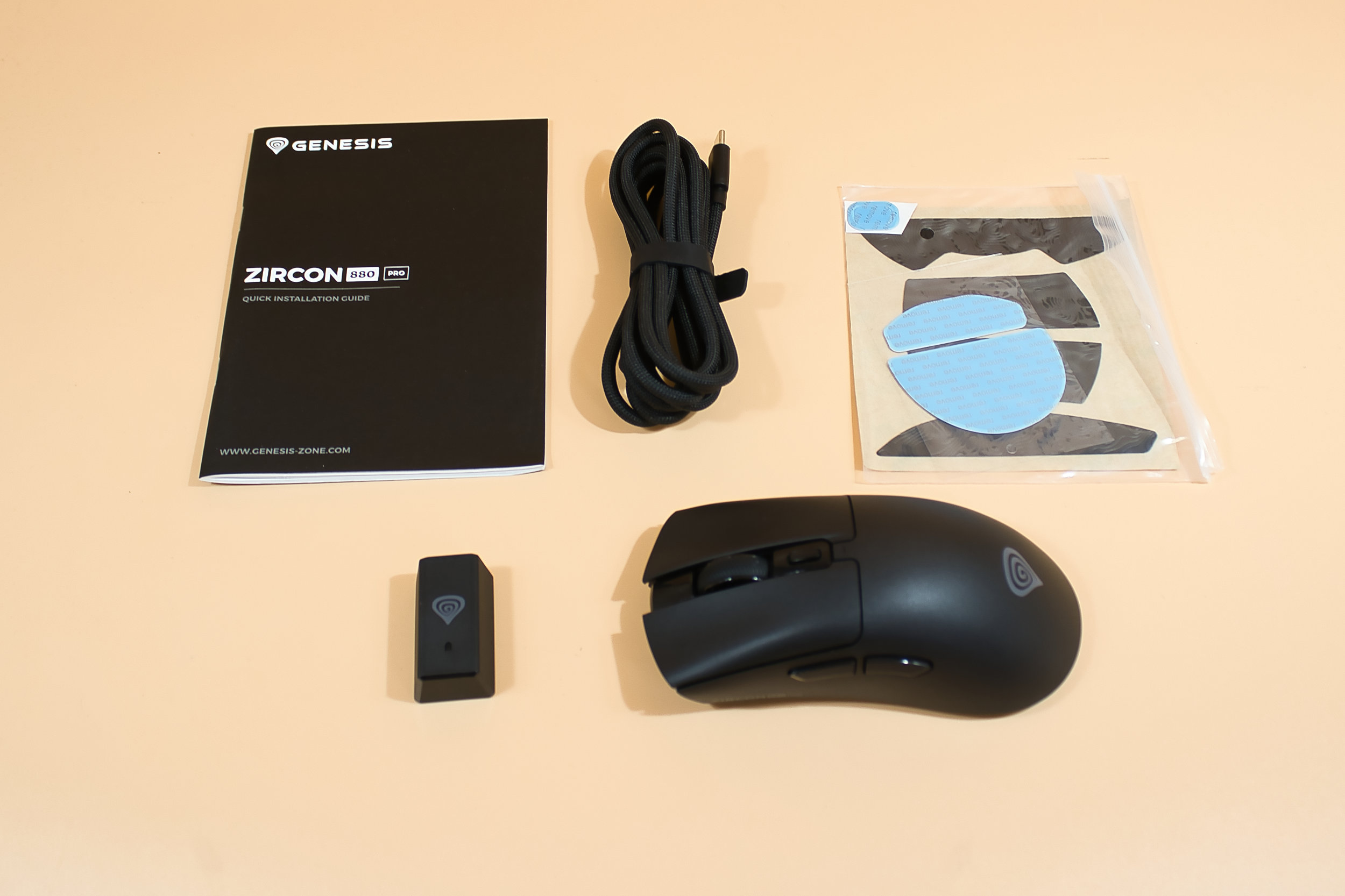 GENESIS ZIRCON 880 PRO Lieferumfang (Image © PCMasters.de)
The package contents are generous; you get extra gliders and non-slip stickers for better grip on the buttons and side panels of the mouse.
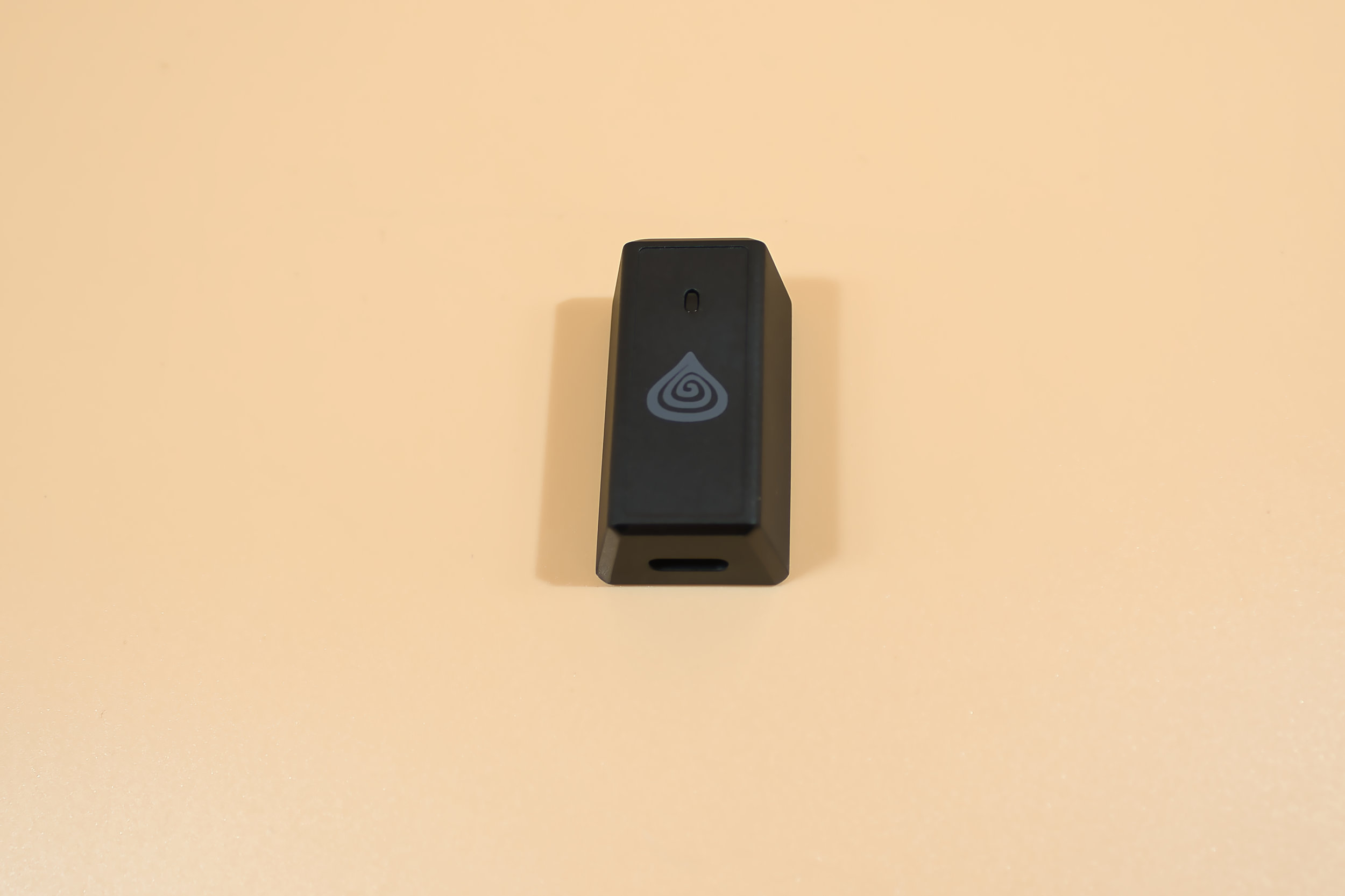 GENESIS ZIRCON 880 PRO 2 4 GHz Empfänger (Image © PCMasters.de)
Also included are the 2.4 GHz receiver and a 1.8-meter-long cable. A printed manual in multiple languages rounds out the package.
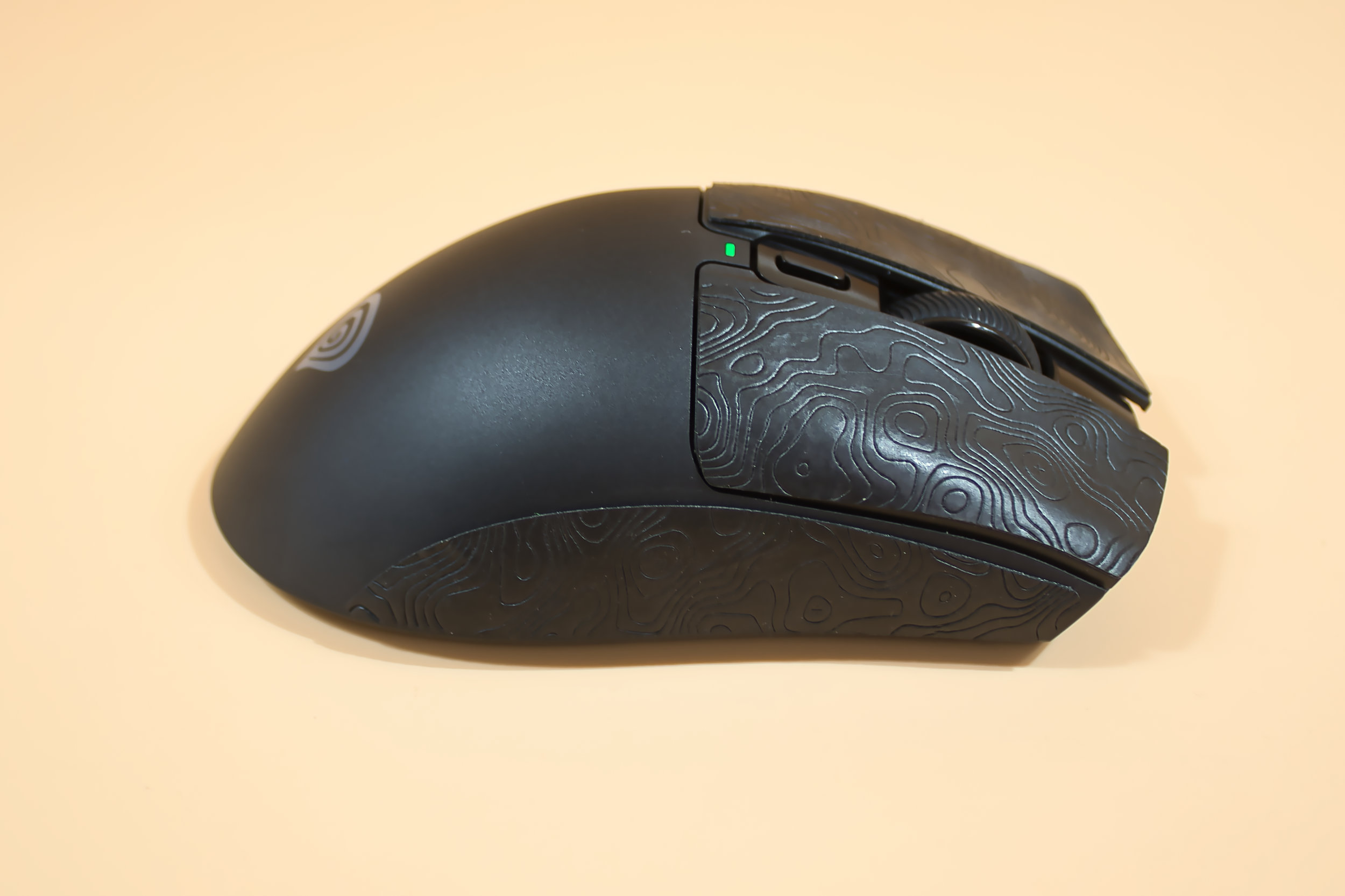 GENESIS ZIRCON 880 PRO mit Aufgebrachten Grip Pads (Image © PCMasters.de)
Build Quality
We were very pleasantly surprised here, as the mouse is exceptionally well-built; the buttons feel and sound smooth and provide great feedback. Everything fits perfectly in place, and the lack of RGB lighting gives the mouse a understated look. If it were a car, you could call it a "sleeper"—plain spruce exterior, turbocharged engine.
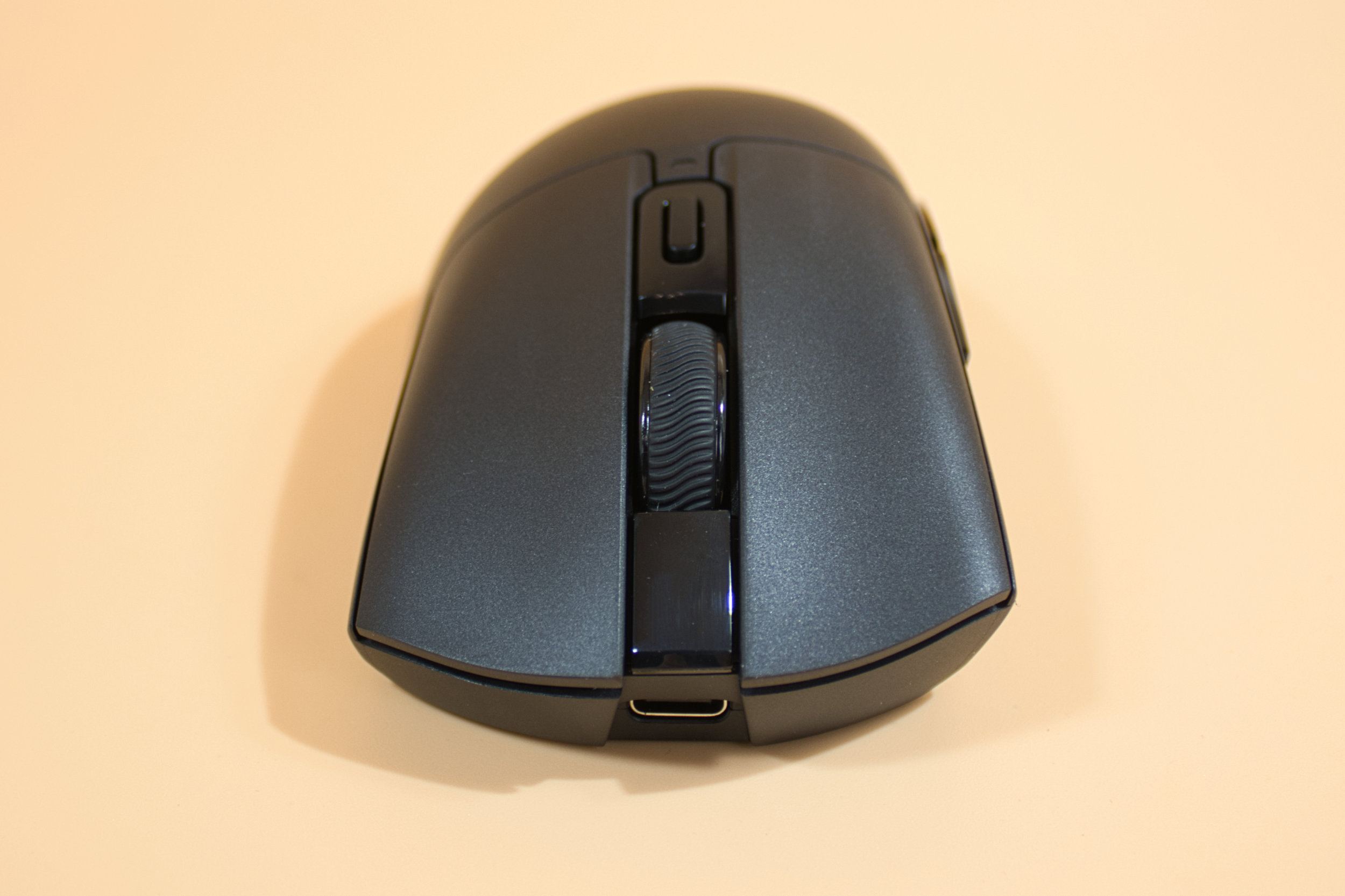 GENESIS ZIRCON 880 PRO Frontansicht (Image © PCMasters.de)
The mouse wheel provides a nice, slightly clicky feedback, and the side buttons are well-fitted with no wobble. And it feels great in the hand, both with and without grip pads. The only thing is that attaching the grip pads took us several attempts, and even then, it’s still not 100% perfect—because you’re sticking a black, curved pad onto a black, mostly curved surface. You either have to know what you’re doing, get lucky, or be patient.
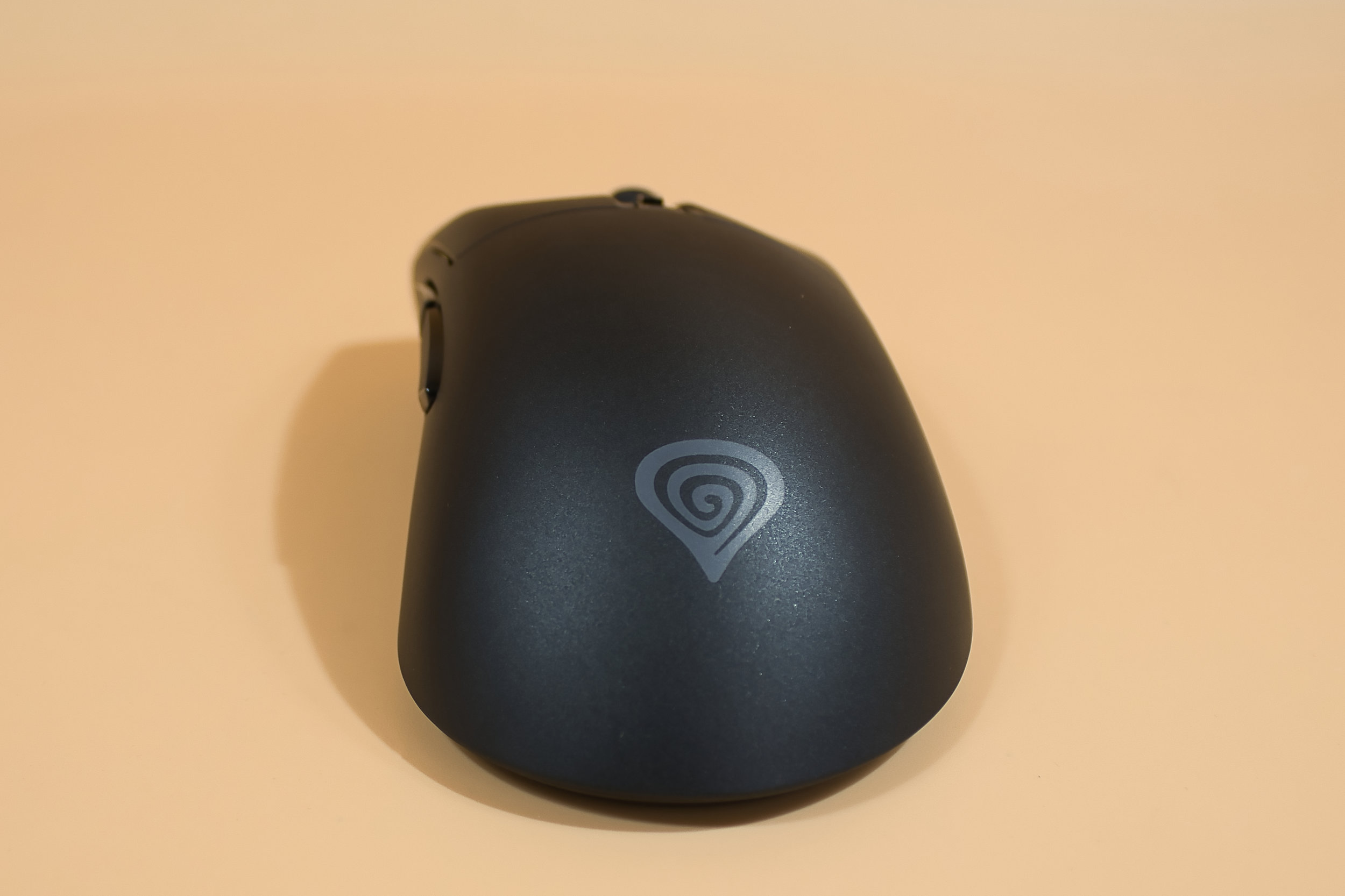 GENESIS ZIRCON 880 PRO Heckansicht (Image © PCMasters.de)
Ergonomics
The mouse is slightly taller than other mice, so it fits a bit better in the palm, but it took us a while to get used to it. The Glass Gliders also affect the ergonomics, as they glide so smoothly—as if there were soft soap between the mouse and our mousepad—truly very smooth. This results in a different, much more sensitive way of handling the mouse, which you can counteract by using a slightly lower DPI setting.
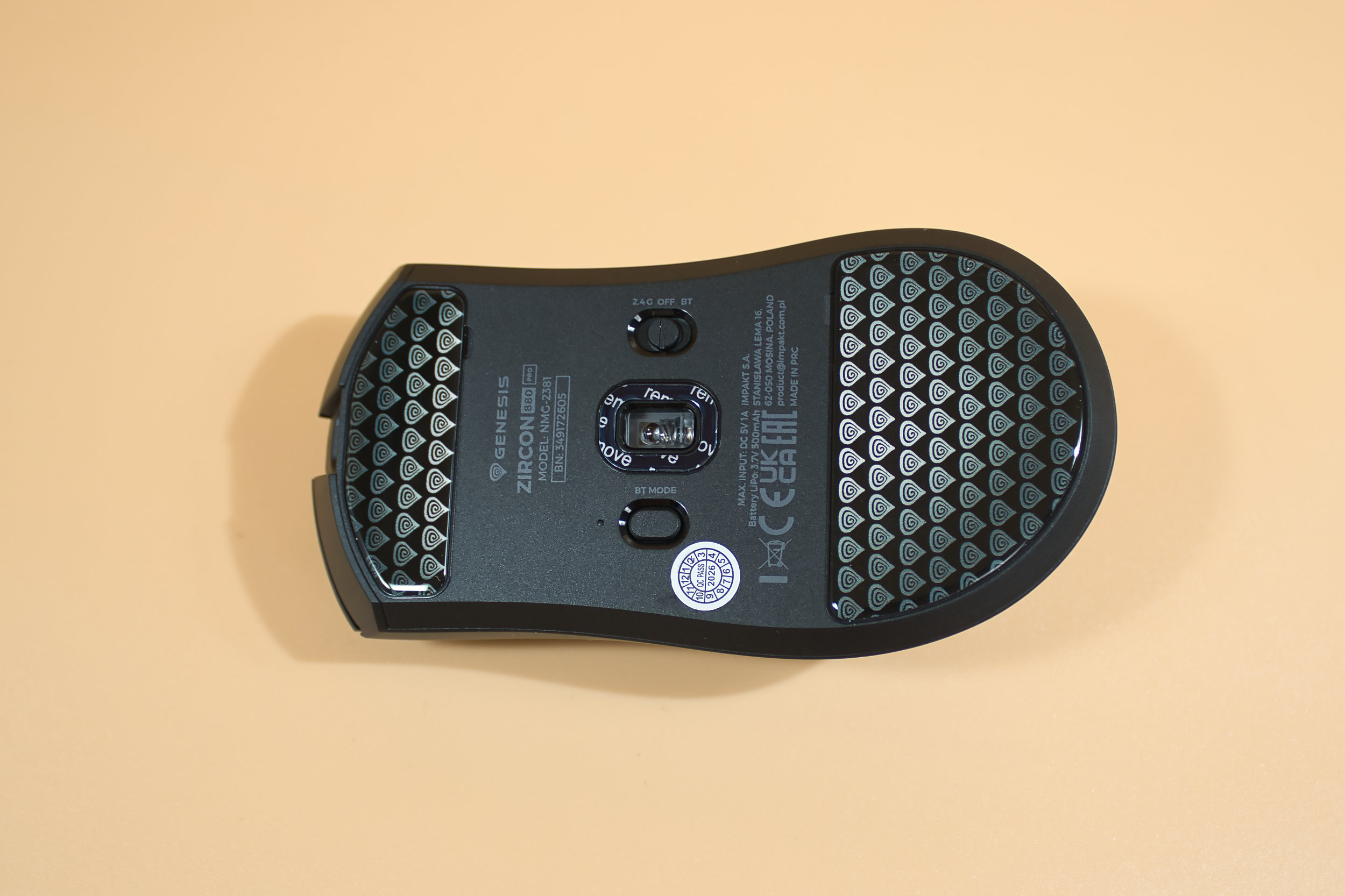 GENESIS ZIRCON 880 PRO Unterseite (Image © PCMasters.de)
The sensor operates with precision and, in combination with the Glass Gliders, is a welcome companion for everyday gaming. It also served us well during photo editing. For left-handed users, the mouse is only usable to a very limited extent.
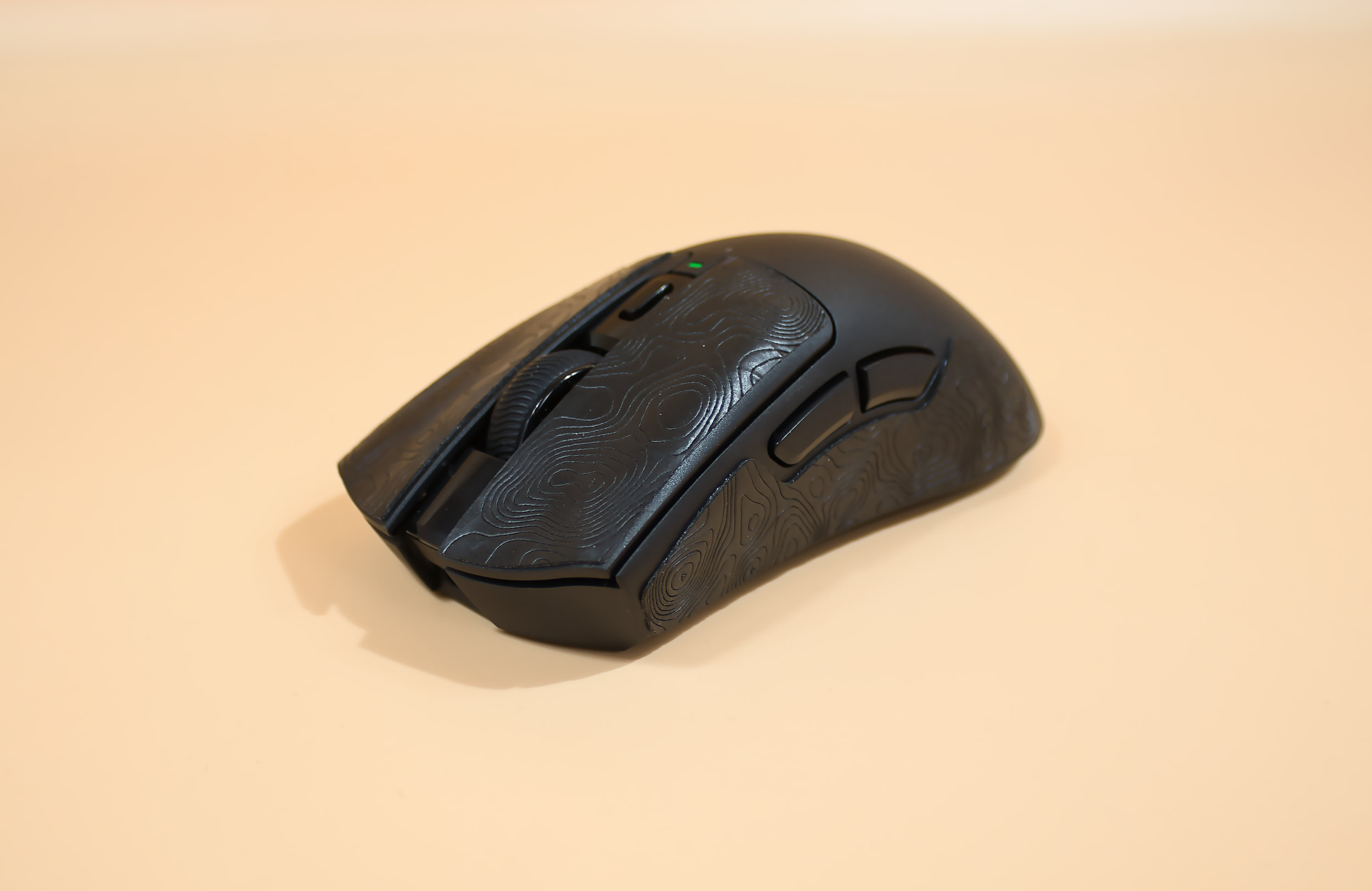 GENESIS ZIRCON 880 PRO mit Grip Pads (Image © PCMasters.de)
The mouse wheel, with its light click stops, is very precise to operate. In general, all the buttons are easy to reach and provide excellent feedback both while gaming and in everyday use. After a week of use, the mouse’s battery life is still far from depleted, so you rarely need to plug in the USB cable.
 Genesis Zircon 880 Pro Software allg Einstellungen (Image © PCMasters.de)
Software
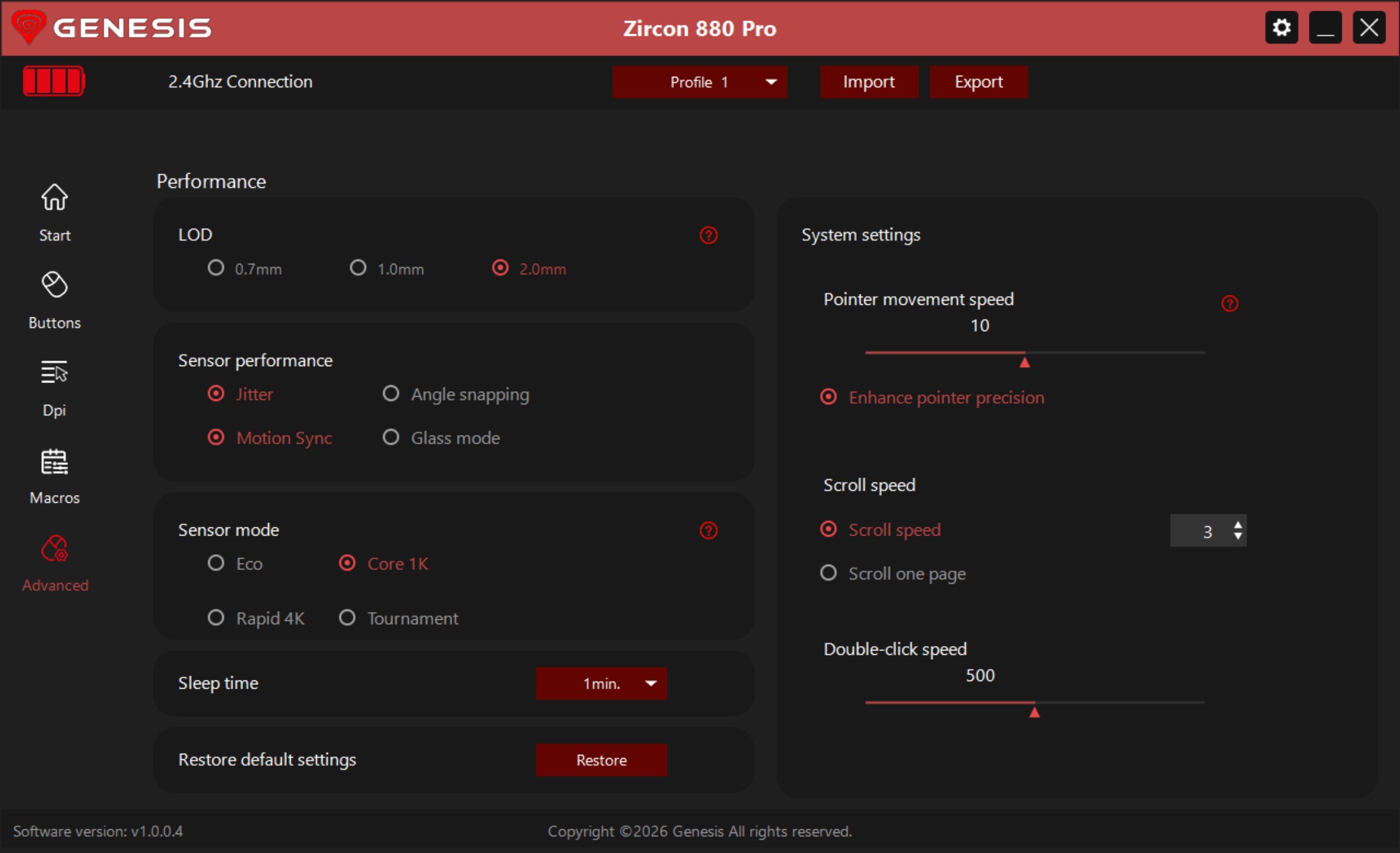
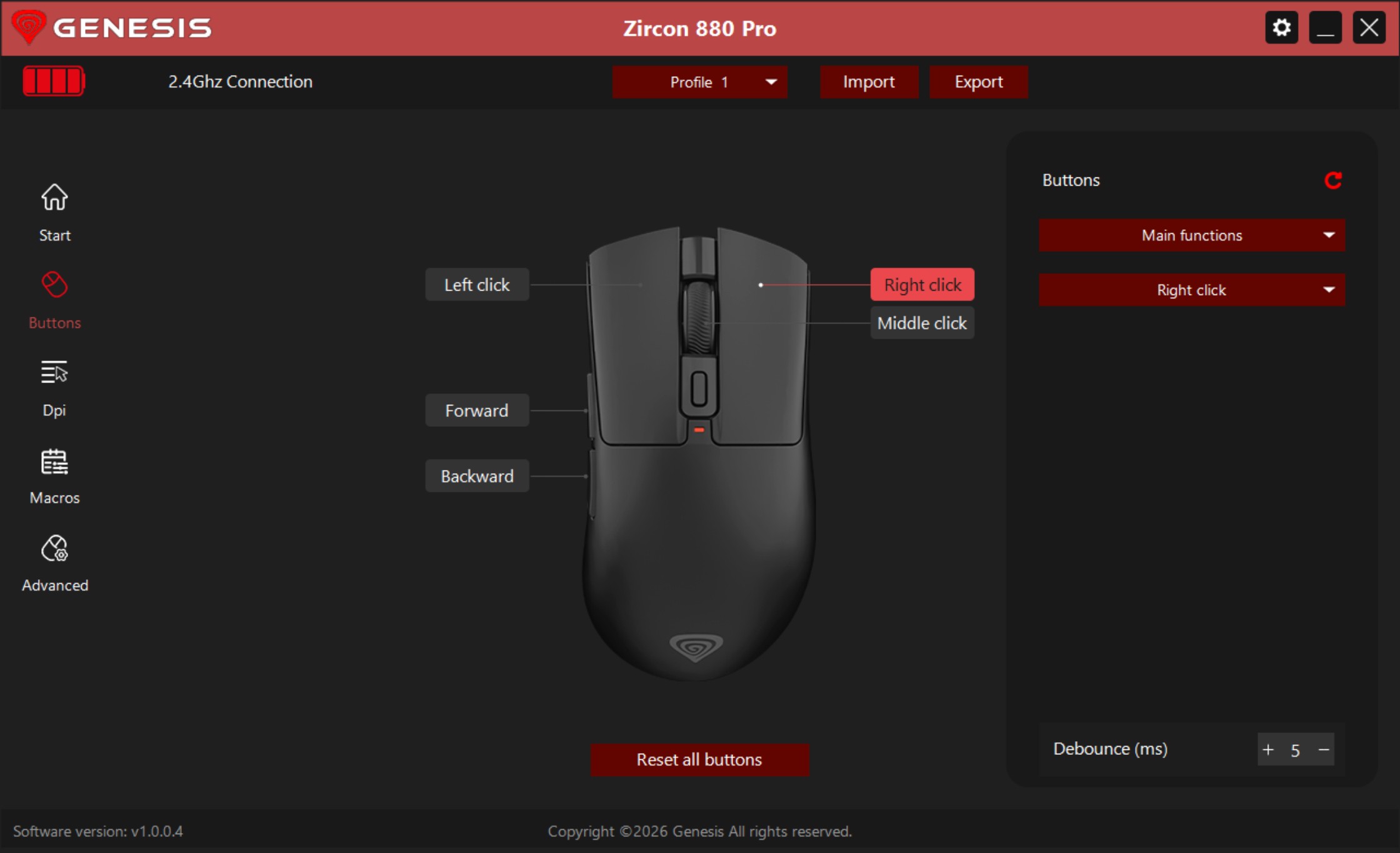
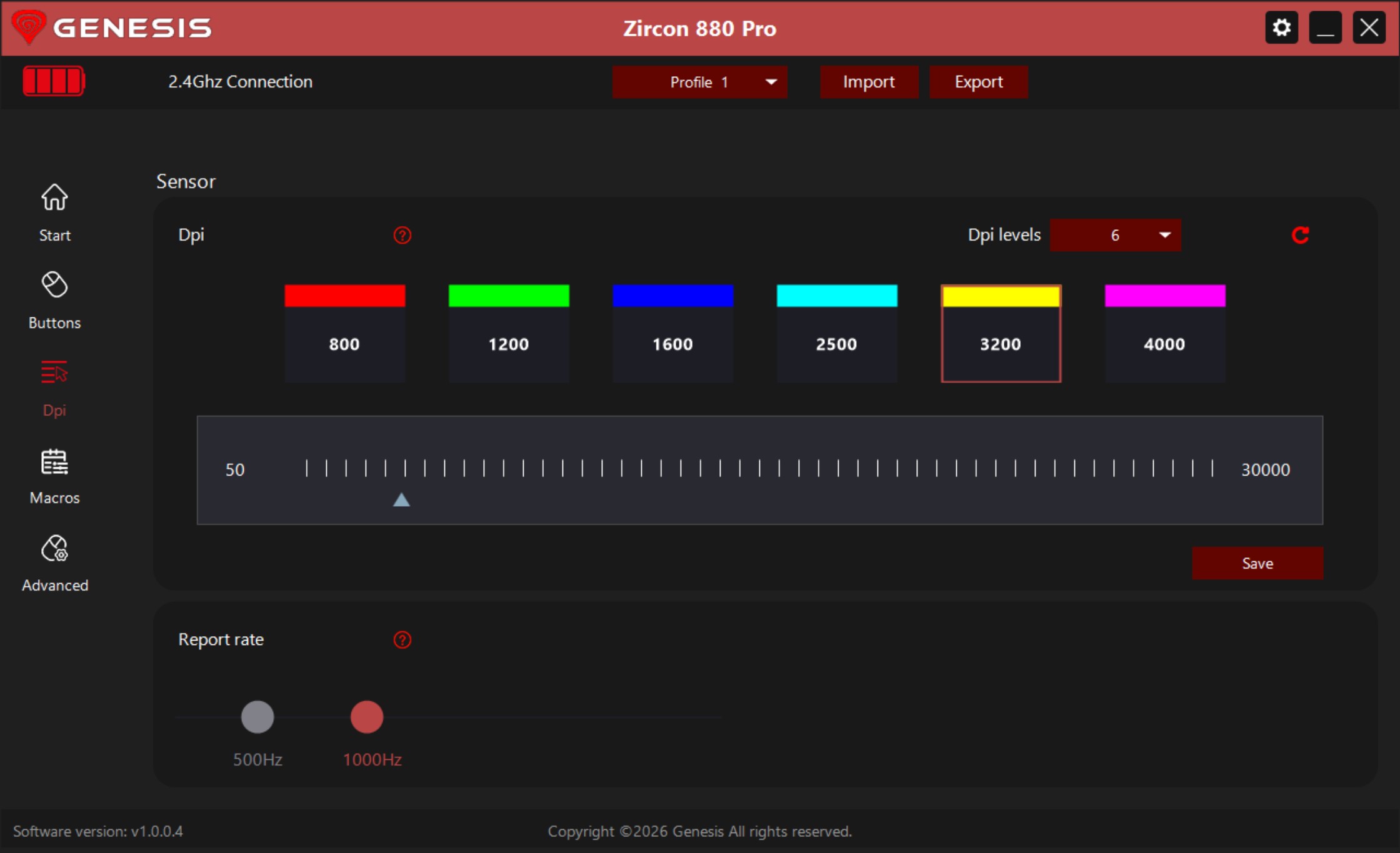
Here we have to offer even greater praise, because we really liked the mouse software—which, at just under 5 MB, is pleasantly small and isn’t bloated with all sorts of bells and whistles. The only downside is that it’s only available in Polish and English. Perhaps a future update could add support for other languages. It includes everything you need: a tab for DPI settings, which can be configured from a fixed DPI rate up to 6 different levels.
 Genesis Zircon 880 Pro Software 1 (Image © PCMasters.de)
 Genesis Zircon 880 Pro Software Tastenbelegung (Image © PCMasters.de)
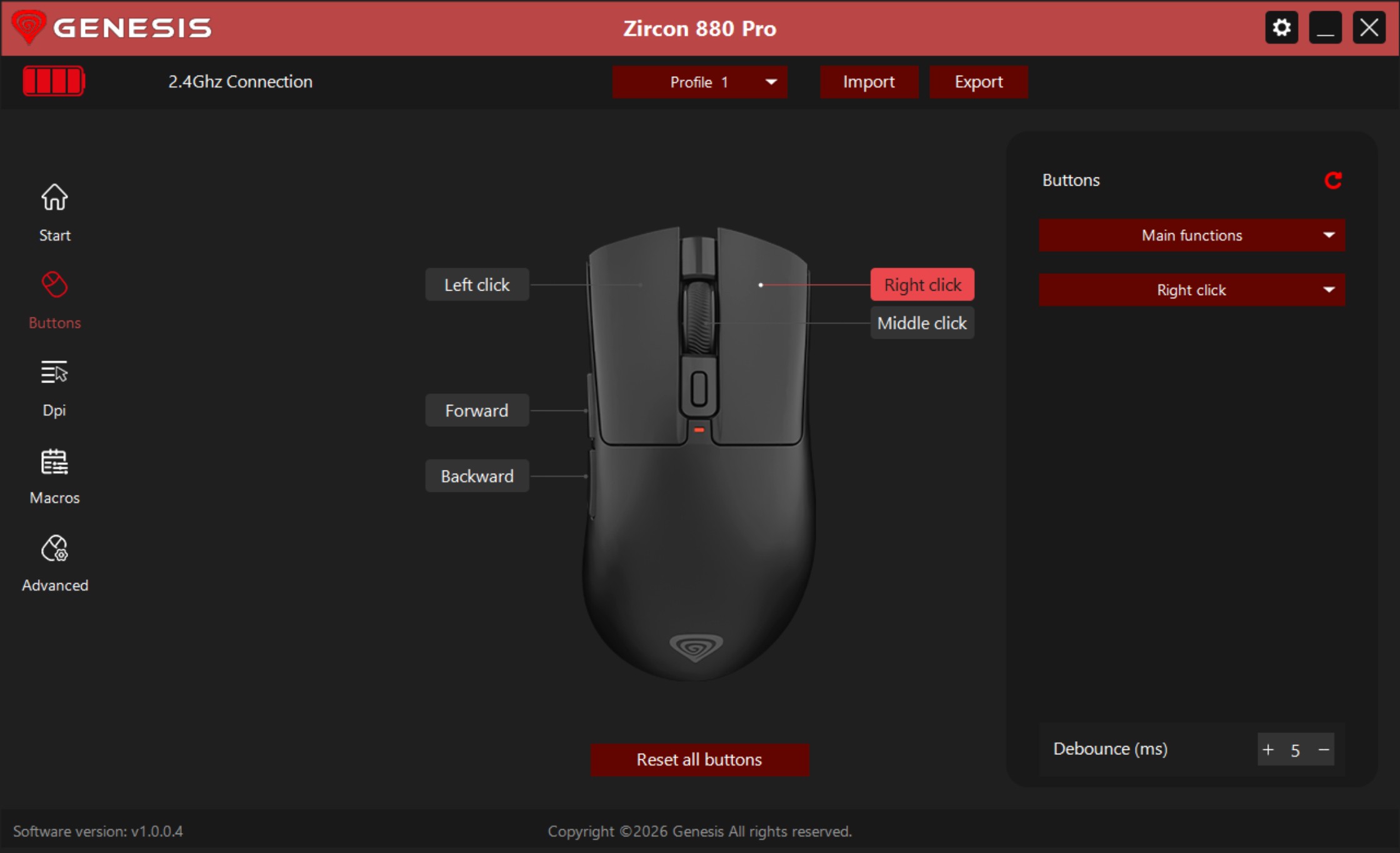
A tab for button assignments, one for macros, and one for general mouse settings, such as angle snapping or Glass Mode for switching to a glass surface. The software is clean and uncluttered; many functions are marked with a question mark, and hovering the mouse over them displays a brief explanation.
 Genesis Zircon 880 Pro Software DPI Einstellung (Image © PCMasters.de)
That’s all you need—and all you want—from the software; it’s refreshingly simple in the "more, more, and even more" world of configuration software.
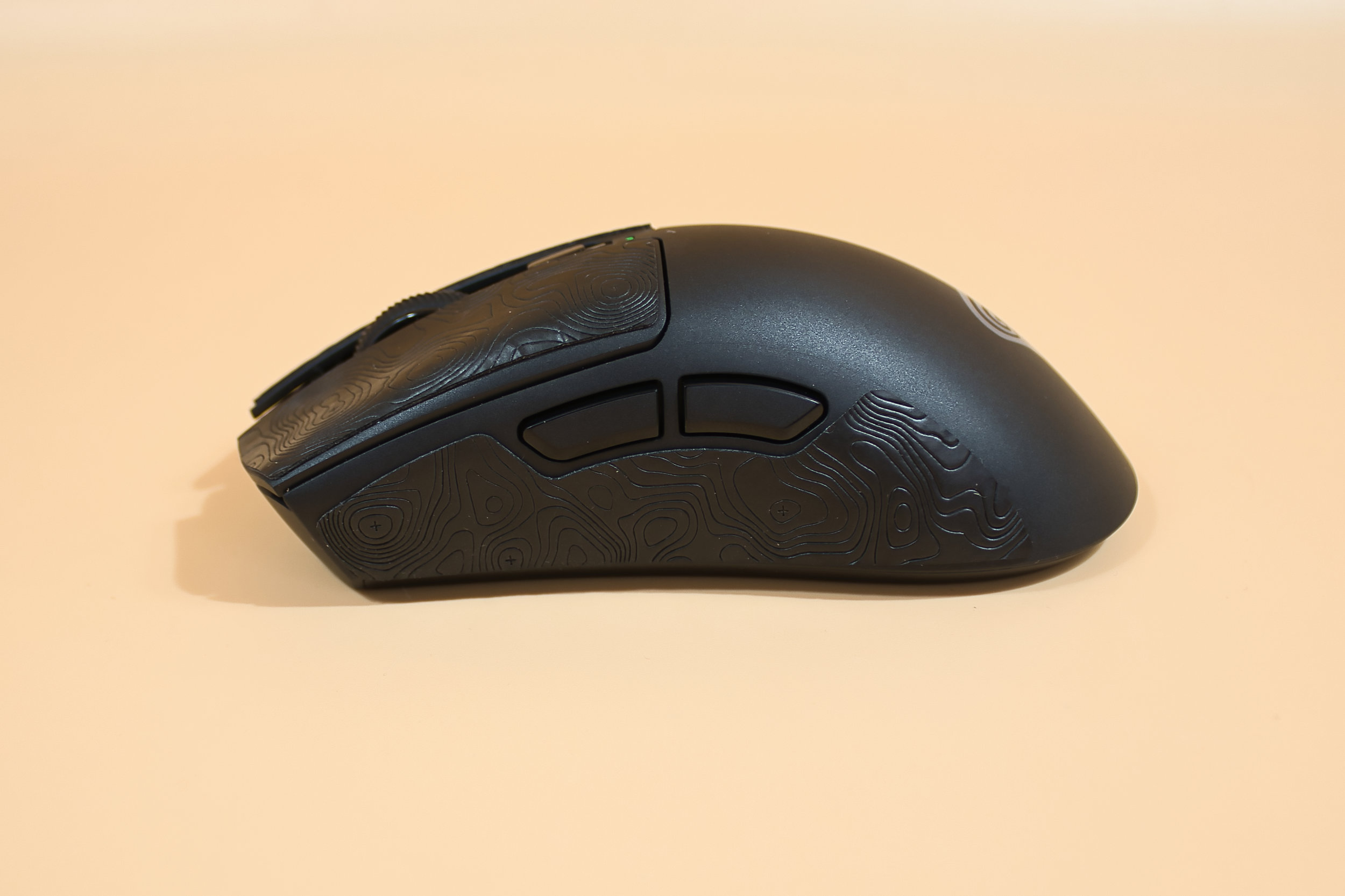 GENESIS ZIRCON 880 PRO mit Grip Pads linke Seite (Image © PCMasters.de)
Conclusion
With the Zircon 880 PRO, Genesis has released a very successful wireless mouse. It holds its own against established competitors. Especially without the RGB fuss, it’s a relaxed companion for everyday use. The only real criticism is the process of applying the grip pads yourself, which can turn out to be a bit of a fiddly test of patience. On the other hand, the Glass Gliders glide across the pad like few others have in our tests. This does, however, require a bit of a learning curve, though the package also includes classic gliders. Technology, build quality, ergonomics, and software come together in a great synergy here, offering an absolutely fantastic value for the price.
Pro
- Very smooth tracking (Glass Gliders)
- Software is just under 5 MB—uncluttered and not annoying
- No RGB
- Generous battery life
- Included 2.4 GHz receiver with 8k polling rate
- Good ergonomics
- Great build quality
Contra
- Severely limited for left-handed users
- Grip pads must be applied manually, which can be fiddly
- Software currently available only in Polish or English