


 Computer Forum
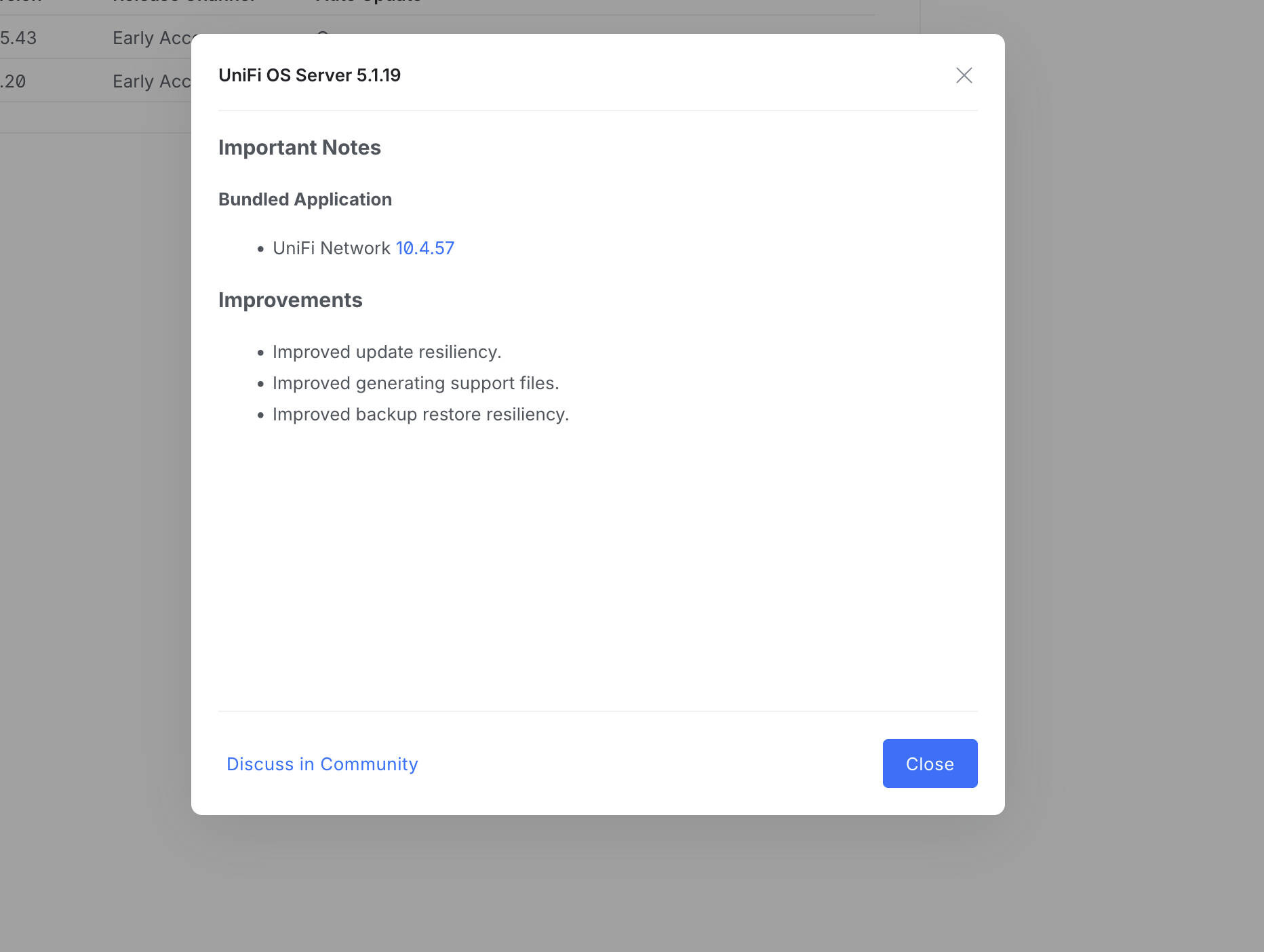 UniFi OS Server 5 1 19 (Image © Ubiquiti)
Improved WAN and WLAN monitoring
One of the most important new features of the UniFi Network 10.4.57 update is the expansion of the dashboard. Users now have access to dedicated activity graphs for WLAN airtime and multicast traffic. The sidebars for WAN and ISP have also been updated and now provide detailed metrics on Service Level Agreements (SLA), latency, packet loss and overall utilization.
For users deploying cellular backups, the update improves transparency when diagnosing 5G and cellular connections. This feature requires U5G firmware version 7.4.1 or higher to work correctly. In addition, a new data consumption warning has been implemented for those performing speed tests over 5G WAN connections to avoid unexpected data costs.
Centralized routing and FIB table
The update introduces a new centralized routing view that allows administrators to manage static, OSPF, BGP, connected and policy-based routes from a single interface. This includes a unified Forwarding Information Base (FIB) table. The FIB table provides technical visibility into route destinations, next hops, interfaces and metrics across the gateway, simplifying troubleshooting of complex network paths.
Device management and port configuration
New data columns have been added to the device management interface, including installation data, power sources and tags. In the Port Manager, administrators can now view the “Pro AV” and “Tagged VLAN” columns. To reduce configuration errors, the system now triggers warnings when VLAN tagging conflicts are detected.
Other improvements on the “Ports” page include the addition of an STP column and associated filters. A “Time Machine” feature has been added to the “Infrastructure Topology” view, along with suggestions to tag certain devices as “Edge” to optimize Spanning Tree Protocol (STP) convergence.
WLAN optimization and IoT adjustments
WLAN management has been redesigned and technically enhanced. The former “Roaming Assistant” is now called “Handoff Suggestions” (802.11v) and now also supports the 6 GHz band. For the stability of IoT devices, the update introduces the options “DTIM Interval Lock” and “Channel Lock”. In addition, the old IoT mode has been replaced by the “Force WLAN 4” setting to better support older hardware.
VPN and system infrastructure
The update extends the SD-WAN functions by supporting the UXG-Fiber as an SD-WAN hub. VPN management has also been improved, allowing users to change the netmask of the VPN gateway even when clients are actively connected. The technical validations for the WireGuard IPv6 MTU and MSS settings have also been tightened to ensure better connection stability.
For users of Uninterruptible Power Supplies (UPS) with version 1.4.30 or later, new options are available to configure the “Safe Shutdown Trigger Point” and the reboot delay as part of automatic recovery.
UniFi OS Server stability and bug fixes
UniFi OS Server 5.1.19 focuses on backend resiliency, specifically improving the reliability of system updates and backup restores. The developer recommends migrating all self-hosted deployments to the UniFi OS Server to ensure full platform integration.
The release fixes several critical bugs, including SD-WAN synchronization failures and issues where settings were not saved in the Port Manager. Connectivity fixes include the resolution of port forwarding errors in L3 networks within zone-based firewalls and the resolution of the absence of third-party clients in the infrastructure topology map. A fix has also been implemented for the Captive Portal when used with the UX7 in mesh mode.
