


 Computer Forum
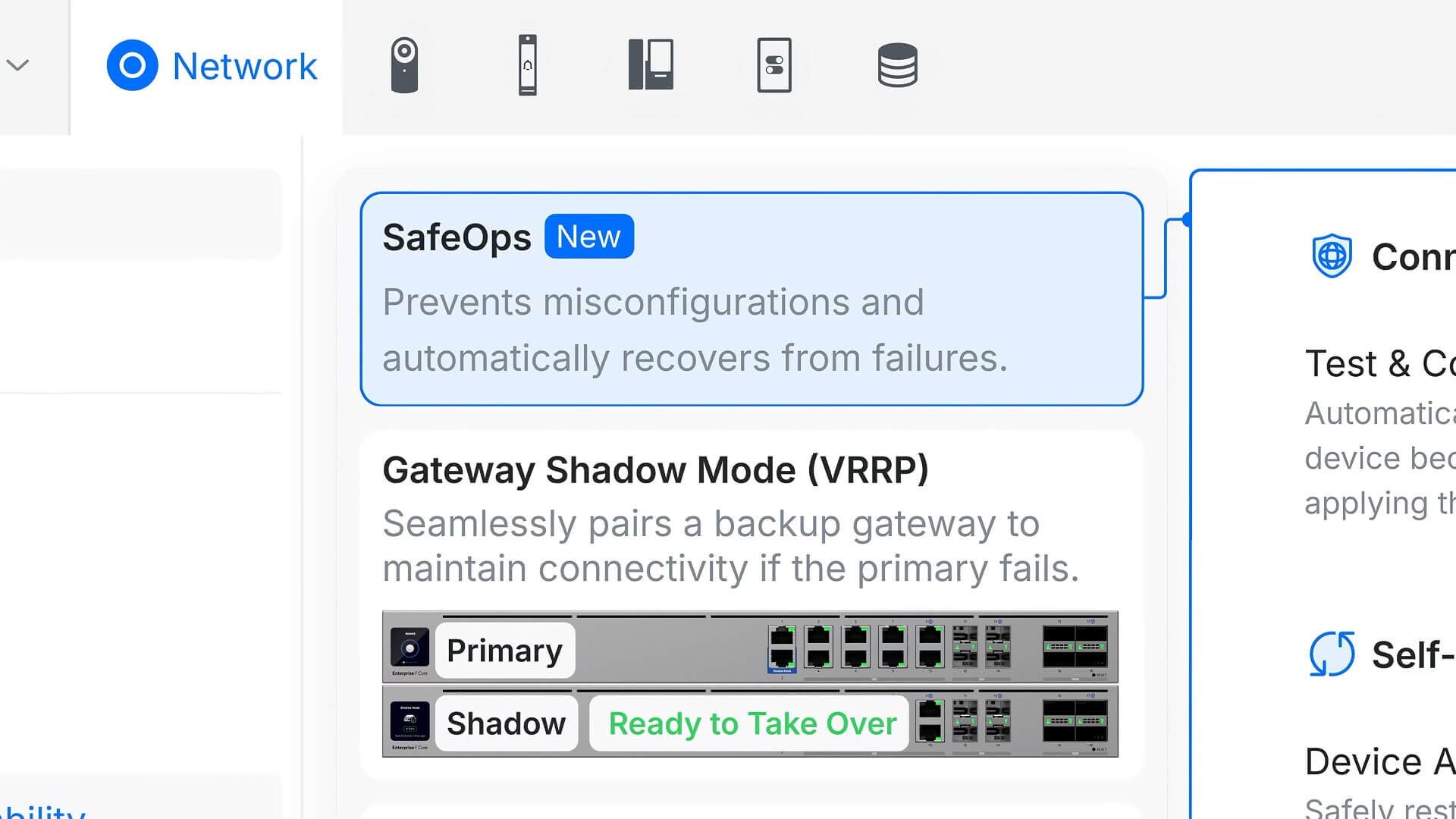 UniFi Network Application 10 5 SafeOps (Image © Ubiquiti)
Improvements to Network Management and Security
Several updates affect the way administrators interact with their hardware. In the Port Manager settings, you can now reset the “Auto STP Edge” status. This is a small but useful addition for precise port control. The CyberSecure settings also provide greater clarity when secure mode is active.
Stability was the top priority here. SD-WAN underlay connections are now more resilient, meaning they should recover from outages more reliably. In addition, validation for RADIUS servers and network lists has been tightened to reduce configuration errors.
Important Bug Fixes and Upgrade Warnings
This update resolves a significant issue related to traffic flows. At sites with high data volumes, the application previously could not be started after upgrading to version 10.5.57. This has now been resolved. Note, however, that the upgrade process may take up to 30 minutes if your site processes enormous amounts of data.
Additional technical fixes include:
- Correction of the STP column status in Port Manager Time Machine.
- Resolution of gateway configuration errors during U-LTE deployment.
- Ensuring that data flow retention is properly enforced system-wide.
A fix was also implemented for logging. Previously, system logs for policy-based routing and firewall blocks were not reaching remote SIEM servers. They should now be forwarded correctly.
Resource Management and Hardware Compatibility
Memory leaks in the console were an issue when users canceled the download of traffic flows before the process was complete. This caused memory usage to rise indefinitely. Version 10.5.62 stops this increase and keeps the console lean. In addition, a bug was fixed that caused the “Test & Confirm” feature to appear on devices without UniFi OS 5.1.
For those managing self-hosted deployments, it is strongly recommended to migrate to UniFi OS Server. This is the best way to access all the latest integrations and platform features.
The native application remains compatible with a wide range of hardware, including UDM, UDR, Express, and UCG models (Ultra, Max, Fiber, and Industrial), provided they are running UniFi OS 3.1.6 or higher. If you’re applying the update manually via SSH, make sure the package is compatible. Incompatible versions will be rejected during installation. Older UDM and UDR devices running versions prior to 3.1.6 will continue to use the default app.
